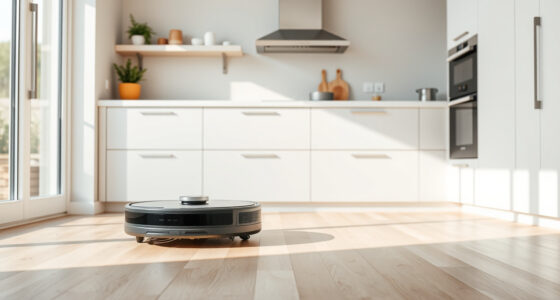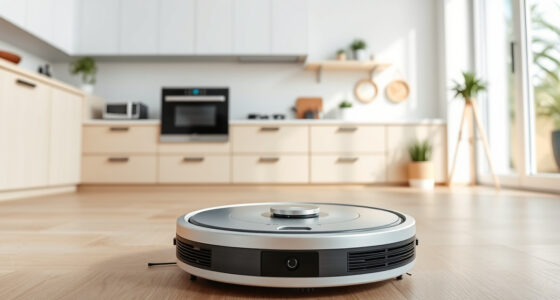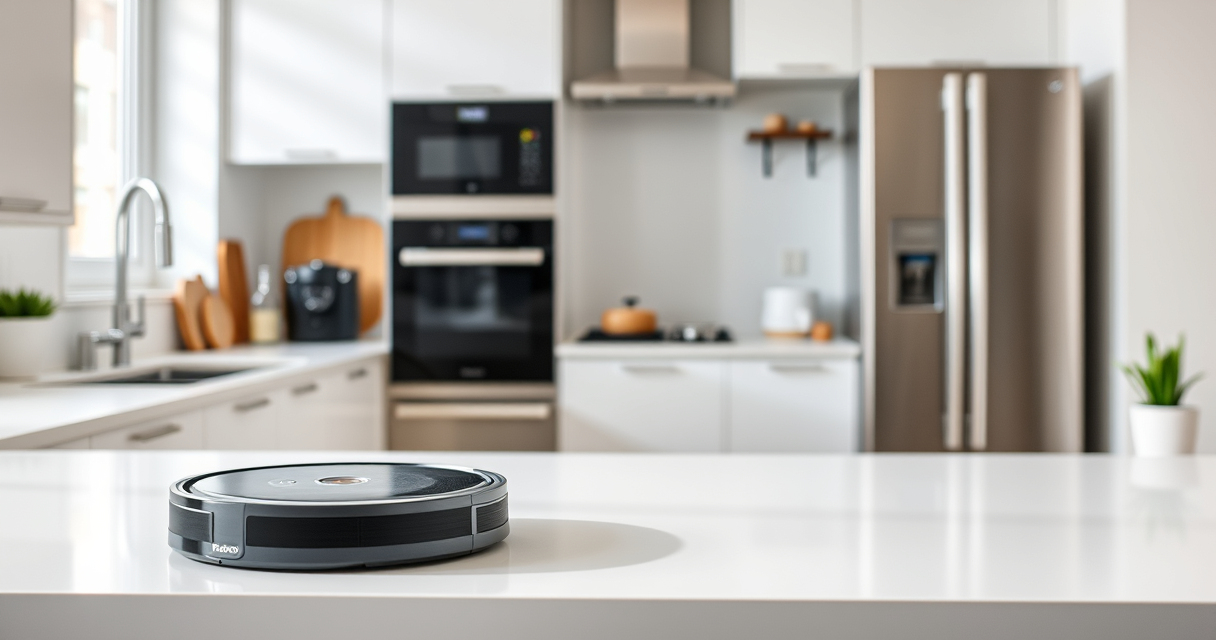
If your Roborock Q7 M5+ robot vacuum keeps getting stuck during cleaning, it can be frustrating and time-consuming. Fortunately, most issues are fixable with some simple troubleshooting steps. This guide provides practical, safe, and effective methods to help you get your robot back to optimal performance.

Get home appliances delivered free with Prime
- Fast, free delivery on millions of items
- Prime Video, Amazon Music and more included
- Member-only deals all year
Before starting, ensure your robot is fully charged, and you have access to your app for status updates and settings adjustments.
Key Takeaways
| Check for obstacles | Remove objects blocking the robot’s path. |
| Inspect wheels and brushes | Clean and free wheels and brushes from hair and debris. |
| Update firmware | Ensure your vacuum has the latest software for optimal navigation. |
| Adjust cleaning area | Reconfigure or restrict problematic zones via app. |
1. Clear Path and Remove Obstacles
- Inspect the floor for small objects, cords, or loose rugs that could block the robot.
- Remove any items that may cause it to get stuck, especially near edges or corners.
- Check for clutter in tight spaces where the robot navigates frequently.
2. Clean Wheels, Sensors, and Main Brush
- Turn off the robot and flip it over to access the wheels and brushes.
- Remove hair, dust, and debris from the wheels, brushes, and anti-tangle systems.
- Use a dry cloth or small brush for detailed cleaning.
3. Update Firmware and Navigation Settings
Open the Roborock app and check for firmware updates. Installing the latest software can fix bugs affecting navigation.
Reconfigure restricted zones or cleaning areas if the robot repeatedly gets stuck in specific spots.
4. Reset and Recalibrate the Robot
- Perform a soft reset via the app or by pressing and holding the power button.
- Run a calibration or test cleaning cycle to help the robot relearn your space.
Tips and Warnings
- Always turn off and unplug the robot before cleaning wheels or brushes.
- Avoid placing objects like cables or small items in the robot’s path.
- Regularly clean the sensors to maintain accurate navigation.
- Be cautious with steep or uneven surfaces where the robot may struggle.
The Products in This Guide

roborock Q7 M5+ Robot Vacuum and Mop
- ✔ Dust Capacity: 2.7L
- ✔ Max Runtime: Long-lasting
- ✔ Connectivity: App control

4 Pack Washable Filter
- ✔ Filter Type: HEPA
- ✔ Reusable: Yes
- ✔ Pack Quantity: 4
roborock Q7 M5+ Robot Vacuum and Mop
The Roborock Q7 M5+ offers up to 7-9 weeks of self-emptying, 10000Pa suction, and advanced PreciSense LiDAR navigation. It’s designed for thorough cleaning, especially in homes with pets and carpets.
Pros:
- Powerful 10000Pa suction
- Self-emptying dustbin
- Dual anti-tangle system
- App control and smart navigation
Cons:
- Higher price point
- Requires regular maintenance of brushes
Best for: Pet owners and large homes needing deep cleaning.
Not ideal for: Small spaces or low-pile carpets where less suction suffices.
Bottom line: A powerful, smart robotic vacuum ideal for pet owners and large spaces.
4 Pack Washable Filter
This 4-pack of washable HEPA filters ensures your Roborock maintains optimal suction and air quality, reducing the need for frequent replacements.
Pros:
- Effective filtration
- Reusable and washable
- Compatible with multiple models
- Easy to install
Cons:
- Requires cleaning every few months
- Not OEM, but comparable quality
Best for: Maintaining clean air and reducing dust build-up.
Not ideal for: If you prefer OEM parts or have specific filtration needs.
Bottom line: A cost-effective way to keep your vacuum’s filtration system in top shape.
Frequently Asked Questions
Why does my Roborock get stuck on certain spots?
It may be due to obstacles, uneven surfaces, or navigation errors. Clearing the area and updating the map can help.
How often should I clean the brushes and wheels?
Ideally, you should clean them weekly or after heavy cleaning sessions, especially if you have pets.
Can I reset the navigation system?
Yes, you can perform a reset or recalibration via the app to help the robot relearn your home layout.
What should I do if the robot still gets stuck after troubleshooting?
Contact Roborock customer support for further assistance or consider replacing worn-out parts like brushes or filters.
Keeping Your Roborock Running Smoothly
Regular maintenance, obstacle removal, and firmware updates are key to preventing your Roborock from getting stuck. With these simple steps, your robot can continue providing thorough and hassle-free cleaning for your home.
Affiliate disclosure: As an Amazon Associate we earn from qualifying purchases. Prices and availability are accurate as of the time of publishing.
NFL season / tailgating Picks
team gear
As an affiliate, we earn on qualifying purchases.