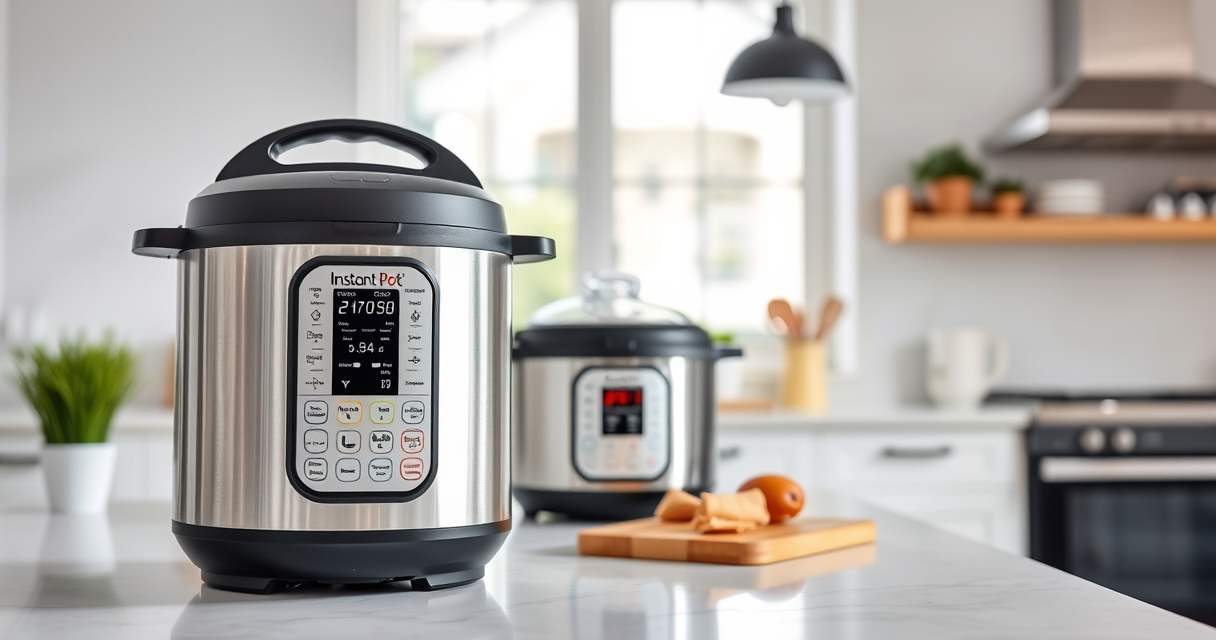

If your Instant Pot 4QT RIO Mini keeps displaying a burn error, it can be frustrating and disrupt your cooking plans. This guide provides clear, safe steps to troubleshoot and resolve the issue effectively, ensuring your multi-cooker functions as it should.

Get home appliances delivered free with Prime
- Fast, free delivery on millions of items
- Prime Video, Amazon Music and more included
- Member-only deals all year
Burn errors typically occur due to issues like food sticking to the bottom, overfilling, or sealing problems. By following these steps, you’ll be able to identify the cause and fix it with confidence.
Key Takeaways
| Common Cause | Food sticking or overfilling triggers the burn error. |
| Initial Check | Ensure the sealing ring and inner pot are properly positioned. |
| Cooking Tips | Avoid overfilling and deglaze the pot before pressure cooking. |
| Maintenance | Regularly clean the bottom of the inner pot and sealing ring. |
| When to Seek Help | Persistent issues may require replacing parts or professional repair. |
Step 1: Turn Off and Unplug the Instant Pot
- Press ‘Cancel’ to stop the current cycle and unplug the device to ensure safety.
- Wait for the cooker to cool down before proceeding.
Step 2: Check the Inner Pot and Sealing Ring
- Remove the inner pot and inspect the bottom for food debris or burnt residues.
- Ensure the sealing ring is properly seated and not damaged or deformed.
Step 3: Clean and Deglaze
- Wash the inner pot thoroughly with warm, soapy water.
- Use a spatula to gently scrape off any stuck food from the bottom of the pot.
- Pour a little water or broth, then use the sauté function to deglaze, loosening any stuck bits.
Step 4: Adjust Your Recipe and Usage
- Make sure not to overfill the inner pot—leave at least 1-2 inches of space below the max fill line.
- Deglaze the ingredients before pressure cooking to prevent food from sticking.
Step 5: Reset and Test the Cooker
- Reassemble the inner pot and sealing ring properly.
- Close the lid securely, set your desired cooking program, and run a short cycle to test if the burn error persists.
The Products in This Guide

Instant Pot 4QT RIO Mini 7-in-1 Multi-Cooker
- ✔ Voltage: 120V
- ✔ Weight: 10 lbs
- ✔ Dimensions: 11.5 x 11 x 11 inches

AOZITA Steamer Basket
- ✔ Height: 8 inches
- ✔ Diameter: 7 inches
- ✔ Weight: 1.2 lbs
Instant Pot 4QT RIO Mini 7-in-1 Multi-Cooker
The Instant Pot 4QT RIO Mini 7-in-1 Multi-Cooker is a compact, versatile device perfect for small households. Its anti-spin design and multiple cooking functions make it a convenient choice for quick, diverse meals.
Pros:
- 7-in-1 versatility
- Compact size for small spaces
- Easy to clean
- Multiple cooking options
Cons:
- Limited capacity for large families
- Learning curve for new users
- Potential for burn errors if not used properly
Best for: Small households, students, singles, quick meal prep
Not ideal for: Cooking for large families or those needing more capacity
Bottom line: A versatile, space-saving multi-cooker suitable for small meals and quick cooking.
AOZITA Steamer Basket
Enhance your Instant Pot’s utility with this 2-tier stackable steamer basket. Perfect for steaming vegetables, eggs, or even cooking multiple foods simultaneously without mixing flavors.
Pros:
- Two-tier design
- Stainless steel mesh
- Compatible with various sizes
- Easy to clean
Cons:
- Adds extra cleaning step
- Requires space inside the pot
- May be too large for some models
Best for: Steaming, multi-layer cooking, meal prep
Not ideal for: Cooking large quantities or very small items
Bottom line: A versatile accessory that maximizes your Instant Pot’s steaming capabilities.
Frequently Asked Questions
Why does my Instant Pot keep giving a burn error?
Burn errors often occur due to food sticking to the bottom, overfilling, or improper sealing. Ensuring proper cleaning, not overfilling, and correct sealing can resolve this.
How can I prevent burn errors in the future?
Always deglaze the inner pot before pressure cooking, avoid overfilling, and keep the bottom clean. Using a suitable amount of liquid also helps prevent sticking.
Is it safe to keep using the Instant Pot after a burn error?
Yes, but it’s best to troubleshoot and fix the cause first. Make sure the pot is clean, parts are in good condition, and the recipe is suitable for pressure cooking.
When should I replace the sealing ring?
Replace the sealing ring if it becomes cracked, deformed, or retains bad odors after cleaning. Regular inspection ensures safety and proper sealing.
Master Your Instant Pot and Prevent Burn Errors
By following these practical steps, you can troubleshoot and resolve burn errors on your Instant Pot 4QT RIO Mini effectively. Proper maintenance, correct usage, and regular cleaning will keep your cooker functioning smoothly, allowing you to enjoy quick, delicious meals without interruption.
Affiliate disclosure: As an Amazon Associate we earn from qualifying purchases. Prices and availability are accurate as of the time of publishing.
Fall yard work Picks
leaf blowers
As an affiliate, we earn on qualifying purchases.