
The Instant Pot burn error can be frustrating, but understanding its causes and solutions can save you time and prevent unnecessary stress. This guide provides practical, safe, and easy-to-follow steps to resolve the burn warning on your Instant Pot 4QT RIO Mini or similar models.

Get home appliances delivered free — and shop member deals
- Fast, free delivery on millions of items
- Access to Prime Big Deal Days deals on October 6–7
- Prime Video, Amazon Music and more included
Whether it’s due to food sticking, overfilling, or insufficient liquid, knowing what to do helps keep your meals on track. Let’s explore the common causes and how to fix them effectively.
Key Takeaways
| Common Causes | Food sticking or burning due to inadequate liquid or thick ingredients. |
| Preventive Tips | Use enough liquid and avoid overfilling the pot. |
| Quick Fixes | Stir contents, check seal, and clean the bottom. |
| Safety First | Always unplug before cleaning or inspecting. |
Step 1: Turn Off and Unplug the Instant Pot
- Press the ‘Cancel’ button to stop cooking.
- Unplug the appliance from the power outlet.
Step 2: Release Pressure Safely
Allow the pressure to release naturally for 10-15 minutes, or use the quick-release method if safe for your recipe. Carefully turn the steam release valve to vent any remaining steam.
Step 3: Open the Lid and Inspect
- Open the lid once the pressure is fully released.
- Check for stuck or burnt food at the bottom of the inner pot.
Step 4: Clean the Inner Pot
Remove the inner pot and clean it thoroughly with warm soapy water. Use a non-abrasive scrubber for stubborn spots. Check the bottom for residue that could cause burning.
Step 5: Prevent Future Burn Errors
- Ensure enough cooking liquid (at least 1 cup for most recipes).
- Avoid overfilling; do not fill beyond the MAX line.
- Stir ingredients well before sealing.
- Use a suitable steamer basket or trivet to elevate food if needed.
The Products in This Guide

Instant Pot 4QT RIO Mini 7-in-1 Multi-Cooker
- ✔ Dimensions: 11 x 9 x 9 inches
- ✔ Power: 1000W
- ✔ Warranty: 1-year limited

AOZITA Steamer Basket
- ✔ Diameter: 9 inches
- ✔ Height: 7 inches
- ✔ Weight: 1.2 lbs
Instant Pot 4QT RIO Mini 7-in-1 Multi-Cooker
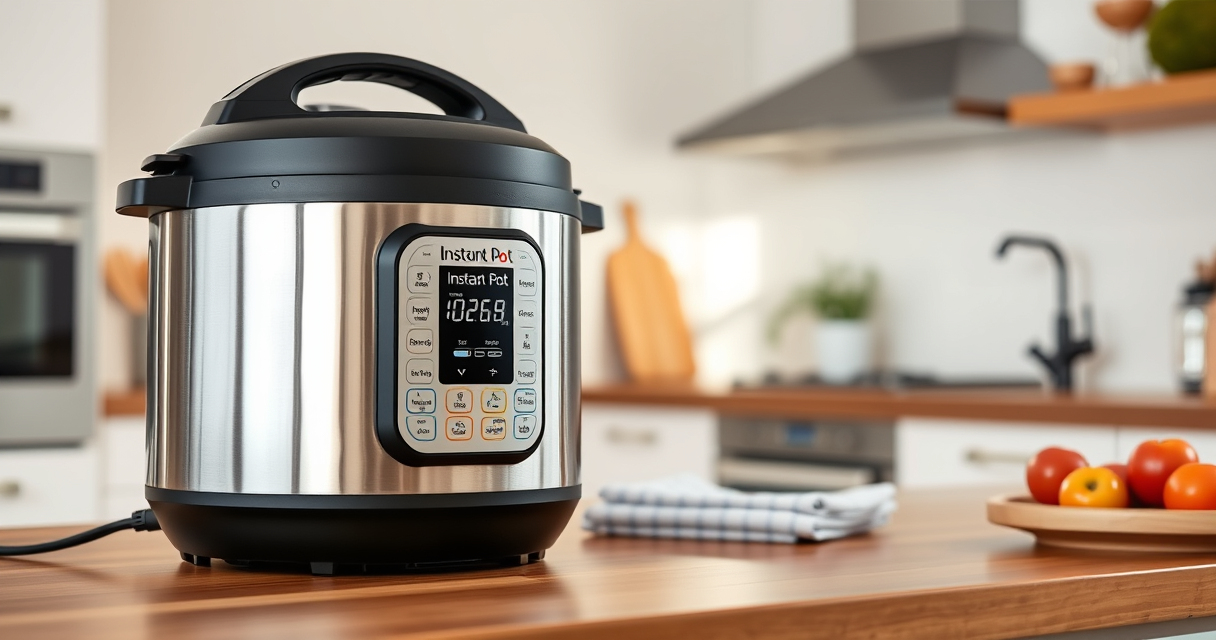
The Instant Pot 4QT RIO Mini is a versatile, space-saving cooker perfect for small households. Its multiple functions include pressure cooking, slow cooking, sautéing, and more, making it a convenient all-in-one device.
Pros:
- Compact size fits small kitchens
- 7-in-1 multi-functionality
- Easy to monitor with progress indicator
- Quick and efficient cooking
Cons:
- Limited capacity for larger families
- May require careful cleaning to prevent burn errors
Best for: Small families, singles, students who need versatile cooking in limited space
Not ideal for: Cooking for large groups or batch meal prep
Bottom line: A compact, multi-functional cooker ideal for small households with easy-to-use features.
AOZITA Steamer Basket
The AOZITA Steamer Basket complements your Instant Pot by offering two tiers for steaming multiple foods simultaneously, making meal prep quicker and more organized.
Pros:
- Two-tier stackable design
- Made of durable stainless steel
- Compatible with 6qt and 8qt models
- Easy to clean
Cons:
- Adds extra cleaning step
- Requires careful placement to avoid tipping
Best for: Steaming vegetables, eggs, and multi-layer cooking
Not ideal for: Cooking large quantities in one batch
Bottom line: A versatile steaming accessory that maximizes your Instant Pot’s utility.
Frequently Asked Questions
What causes the burn error on my Instant Pot?
The burn error typically occurs due to food sticking to the bottom, insufficient liquid, overfilling, or ingredients that can burn easily.
How do I prevent the burn error from happening?
Ensure you add enough liquid, do not overfill the pot past the MAX line, and stir ingredients well before sealing. Using a trivet or steamer basket can also help prevent direct contact with the bottom.
Can I still cook if I get the burn warning?
Yes, but you should first turn off, release pressure, clean the bottom, and make adjustments to prevent future errors. Continuing to cook without addressing the cause can damage the appliance.
Is it safe to open the lid during the burn error?
No, never open the lid while the pot is under pressure or hot steam. Always ensure pressure has fully released before opening.
Mastering Your Instant Pot for Safe Cooking
By understanding the common causes and following these practical steps, you can quickly resolve the burn error and keep your cooking safe and efficient. Regular cleaning and proper ingredient placement will help prevent this issue, ensuring your Instant Pot remains a reliable kitchen companion for years to come.
Affiliate disclosure: As an Amazon Associate we earn from qualifying purchases. Prices and availability are accurate as of the time of publishing.
Fall Picks
fall essentials
As an affiliate, we earn on qualifying purchases.