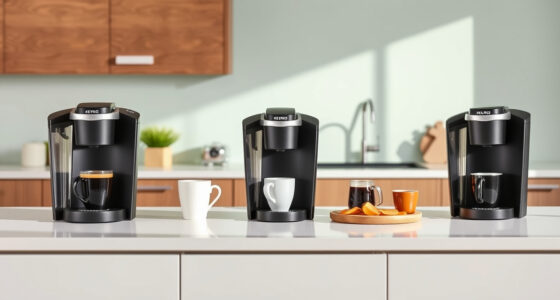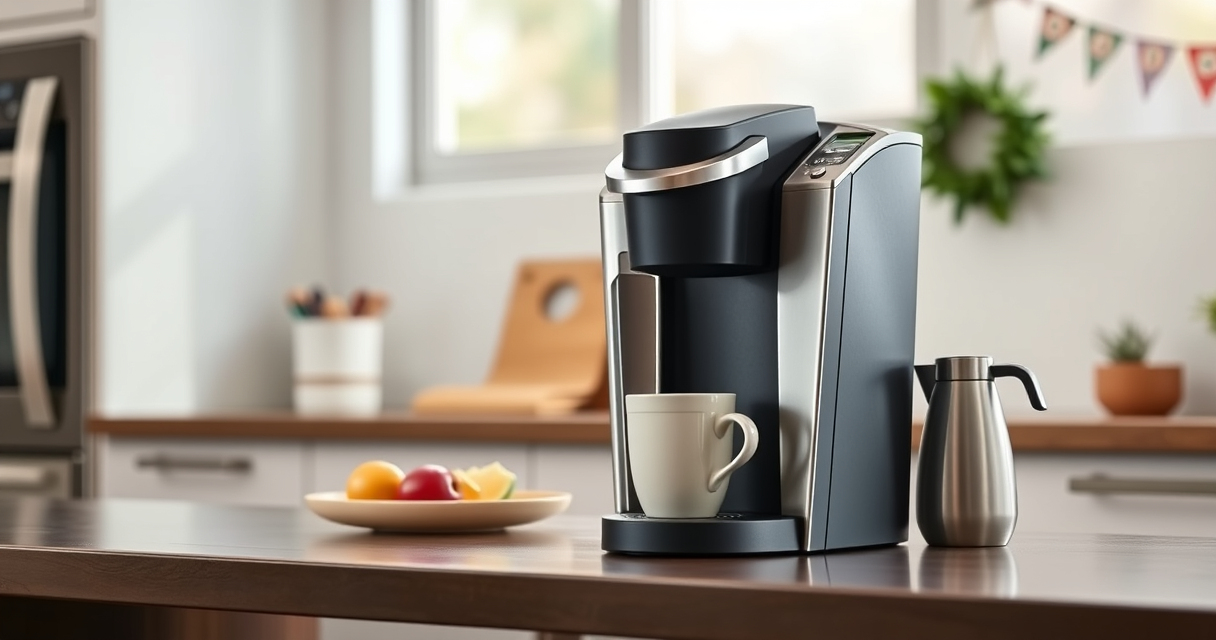
If you’re a Keurig K-Mini owner, occasional hiccups are normal. From brewing problems to mineral buildup, knowing how to troubleshoot and care for your machine ensures you enjoy perfect coffee every time. This guide offers step-by-step solutions and maintenance tips tailored specifically for the Keurig K-Mini Single Serve K-Cup Pod Coffee Maker.

Get home appliances delivered free — and shop member deals
- Fast, free delivery on millions of items
- Access to Prime Big Deal Days deals on October 6–7
- Prime Video, Amazon Music and more included
Whether your brewer isn’t brewing correctly, showing error messages, or just needs a quick clean, you’ll find clear instructions here to keep your coffee fresh, flavorful, and functioning smoothly.
Key Takeaways
| Regular Descaling is Essential | Remove mineral buildup to maintain flavor and performance. |
| Clean the Brewer Components | Keep the K-Cup holder and water reservoir free of residue. |
| Check Water Levels and Connections | Ensure proper water supply for optimal brewing. |
| Use Compatible Accessories | Such as reusable filters for cost-effective brewing. |
| Follow Step-by-Step Troubleshooting | Identify and resolve common issues safely and effectively. |
Basic Troubleshooting Steps
- Verify Water Level: Ensure the water reservoir is filled adequately, at least 6 oz for small brews, up to 12 oz. Remove and refill if necessary.
- Check Power Connection: Confirm the power cord is securely plugged into an outlet and the machine is turned on. If not, press the power button and wait for the ready light.
- Inspect for Error Messages: If an error code appears, refer to the user manual for specific troubleshooting steps.
- Reset the Brewer: Unplug the Keurig, wait 30 seconds, then plug it back in. Turn it on and try brewing again.
Cleaning and Descaling Your Keurig
Mineral deposits from water can clog your brewer, affecting taste and performance. Regular descaling is vital, especially if you notice slower brewing or strange tastes.
Use a descaling solution or a mixture of equal parts white vinegar and water. Run the solution through a brewing cycle without a K-Cup, then rinse with fresh water to clear residues.
How to Fix Common Brewing Issues
- Brewer Won’t Turn On: Check the power cord and outlet. Reset by unplugging and replugging. Replace the outlet if needed.
- Brewing Too Slowly: Descale with a solution to remove mineral buildup.
- Leaks During Brewing: Ensure the water reservoir isn’t overfilled and the K-Cup pod is correctly inserted.
- No Water Flow: Check for clogs at the water inlet or the K-Cup holder. Clean as described below.
Cleaning the K-Cup Holder and Water Reservoir
Build-up of coffee oils and minerals can block water flow and affect taste. Regular cleaning keeps your brewer functioning properly.
Remove the K-Cup holder and rinse with warm water, scrubbing gently if needed. Wipe the water reservoir with a damp cloth and dry thoroughly before refilling.
Using Reusable Filters and Accessories
For cost savings and environmental benefits, consider using a reusable filter like the My K-Cup® Reusable Coffee Filter. It allows you to brew with your favorite ground coffee.
Ensure the reusable filter is properly seated and compatible with your K-Mini. Regularly clean it to prevent clogging and ensure flavor extraction.
The Products in This Guide

Keurig K-Mini Single Serve K-Cup Pod Coffee Maker
- ✔ Dimensions: Less than 5 inches wide
- ✔ Brew Range: 6-12 oz
- ✔ Material: Matte black finish

My K-Cup® Reusable Coffee Filter
- ✔ Material: Plastic
- ✔ Capacity: Single cup
- ✔ Compatibility: K-Mini
Keurig K-Mini Single Serve K-Cup Pod Coffee Maker
The Keurig K-Mini Single Serve Coffee Maker is a sleek, space-saving device perfect for small kitchens, dorms, or offices. Its simple design makes brewing quick and straightforward, with a removable drip tray and compatibility with travel mugs. Regular maintenance, including descaling and cleaning, will keep it performing at its best.
Pros:
- Compact size fits any space
- Fast brewing time
- Removable drip tray for easy cleaning
- Energy-efficient auto off
Cons:
- Limited brew size options
- No on/off switch
- Requires frequent descaling in hard water areas
Best for: Small households, office use, travel-friendly brewing
Not ideal for: Large families needing multiple cups at once, or brewing larger sizes
Bottom line: A compact, reliable brewer ideal for small spaces with simple maintenance needs.
My K-Cup® Reusable Coffee Filter
The My K-Cup® Reusable Coffee Filter offers a convenient way to brew your favorite ground coffee with the Keurig K-Mini. It’s easy to use, clean, and saves money over buying disposable pods. Compatibility with the K-Mini makes it a smart accessory for regular coffee drinkers.
Pros:
- Cost-effective
- Eco-friendly
- Easy to clean
- Compatible with K-Mini
Cons:
- Requires pre-measuring ground coffee
- May need frequent cleaning
- Not suitable for large quantities
Best for: Ground coffee enthusiasts, eco-conscious users
Not ideal for: Those who prefer pod brewing or quick convenience
Bottom line: A practical reusable filter that enhances your brewing options and saves money.
Frequently Asked Questions
How often should I descale my Keurig K-Mini?
It’s recommended to descale every 3-6 months, especially in areas with hard water, to prevent mineral buildup and maintain optimal performance.
What is the best way to clean the water reservoir?
Remove the reservoir and wash it with warm, soapy water. Rinse thoroughly and dry before refilling to prevent mold and bacteria.
Can I use ground coffee with my Keurig K-Mini?
Yes, by using a reusable filter like the My K-Cup®, you can brew your own ground coffee instead of using disposable pods.
Why is my Keurig not brewing properly?
Check for clogs, clean the needle and water inlet, ensure water levels are adequate, and perform a descaling cycle if needed.
Is it safe to use vinegar for descaling?
Yes, a mixture of equal parts white vinegar and water is safe for descaling. Rinse thoroughly afterward to remove any residual vinegar.
Keep Your Keurig K-Mini Brewing Perfectly
Regular maintenance and troubleshooting are key to ensuring your Keurig K-Mini continues to brew delicious coffee quickly and reliably. From descaling to cleaning components, following these simple steps will extend your machine’s lifespan and improve your coffee experience. Remember, a well-maintained brewer not only tastes better but also lasts longer, saving you time and money in the long run.
Affiliate disclosure: As an Amazon Associate we earn from qualifying purchases. Prices and availability are accurate as of the time of publishing.
Fall yard work Picks
leaf blowers
As an affiliate, we earn on qualifying purchases.