
Maintaining your Dyson V15 Detect™ Origin cordless vacuum is essential to keep it running at peak performance. Proper care ensures longer lifespan, consistent cleaning power, and fewer unexpected breakdowns. This guide provides practical, step-by-step instructions on cleaning, replacing filters, troubleshooting common issues, and tips for safe handling.
Whether you’ve noticed a drop in suction, longer charging times, or just want to keep your vacuum in top shape, this comprehensive guide will walk you through everything you need to know for regular maintenance and troubleshooting.
Key Takeaways
| Regular filter cleaning improves suction | Wash filters every 2-3 months for optimal performance. |
| Battery and motor checks prevent breakdowns | Inspect and troubleshoot power issues promptly. |
| Clear debris from cleaner heads | Remove hair and dust to maintain deep cleaning capability. |
| Use compatible attachments for hard-to-reach spots | Enhance cleaning with the right tools. |
| Follow safety precautions during maintenance | Always turn off and unplug before cleaning or troubleshooting. |

Dyson V15 Detect™ Origin Cordless Vacuum
- Deep cleaning with intelligent detection: Reveals invisible dust for thorough cleaning
- Enhanced power and runtime: 100% more power, 60-minute battery life
- Energy-efficient power trigger: Uses power only when needed
As an affiliate, we earn on qualifying purchases.
Preparing Your Dyson V15 for Maintenance
- Ensure the vacuum is turned off and unplugged from charging if connected.
- Remove the main cleaner head and check for tangled hair or debris.
- Gather necessary tools: a soft cloth, cleaning brush, replacement filters, and attachments.
Having everything ready before starting ensures a smooth maintenance process and reduces the risk of damage.
Cleaning and Replacing Filters
Filters are crucial for maintaining suction and air quality. Dyson recommends washing filters every 2-3 months.
- Remove the pre-filters from the vacuum, typically located near the cyclone or dustbin.
- Rinse the filters under cold water without soap. Gently squeeze out excess water.
- Allow filters to air dry completely for at least 24 hours before reinstalling.
If your filters are worn out or damaged, replace them with compatible ones like the 3Pack Pre Filters Replacement for Dyson V6, V7, V8, and related models.
Inspecting and Maintaining the Cleaner Heads
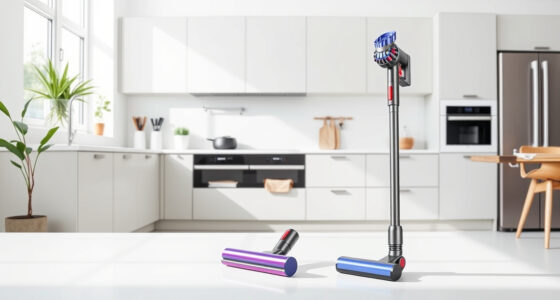
The digital Motorbar and Fluffy Optic cleaner heads are designed for deep cleaning across all floor types. Regular inspection prevents clogs and maintains suction efficiency.
- Remove the heads and clear tangled hair or fibers using a cleaning brush or scissors.
- Check the brushes for wear and replace if frayed or damaged.
- Ensure the cleaner heads are firmly attached before use.
Keeping cleaner heads clean will prolong their lifespan and ensure optimal dirt removal.
Troubleshooting Common Issues
If your vacuum isn’t performing as expected, here are some quick troubleshooting steps.
- Loss of suction: Check and clean filters, remove blockages in the wand or cleaner head.
- Battery not holding charge: Ensure the charger and power outlet are working, or consider replacing the battery if it’s old.
- Unusual noises or error messages: Refer to the LCD screen for alerts. Reset the vacuum or contact Dyson support if needed.
Safe Handling and Tips
Always follow safety precautions to avoid damage or injury.
- Turn off and unplug the vacuum before performing maintenance.
- Use only recommended filters and attachments to prevent damage.
- Avoid washing filters with soap or harsh chemicals.
- Store in a dry, cool place away from children and pets.
Regular maintenance not only extends your vacuum’s lifespan but also keeps your home cleaner and healthier.
The Products in This Guide

Dyson V15 Detect™ Origin Cordless Vacuum
- ✔ Battery Life: Up to 60 minutes
- ✔ Weight: Approx. 6.8 lbs
- ✔ Filtration: Whole-machine filtration

LANMU Crevice Tool Vacuum Attachments Compatible
- ✔ Compatibility: Multiple Dyson models
- ✔ Material: Durable plastic
- ✔ Design: Slim and flexible
Dyson V15 Detect™ Origin Cordless Vacuum
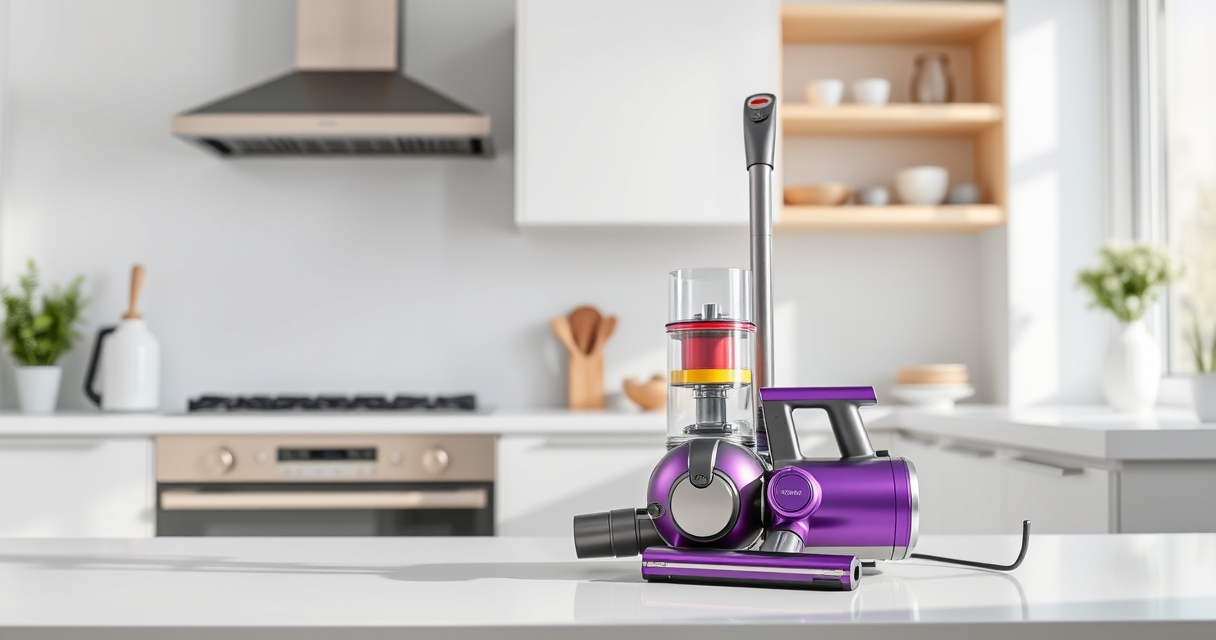
The Dyson V15 Detect™ Origin Cordless Vacuum offers exceptional cleaning performance with smart features and long-lasting batteries. Proper maintenance ensures it remains effective for years.
Pros:
- Powerful suction with intelligent adaption
- Long 60-minute runtime
- LCD display for real-time alerts
- Versatile cleaner heads for all floors
Cons:
- Filters require regular cleaning
- Can be heavy for prolonged use
- Replacement filters add ongoing cost
Best for: Homeowners seeking deep cleaning and smart features
Not ideal for: Users preferring lightweight or corded vacuums
Bottom line: Regular maintenance keeps your Dyson V15 performing at its best.
LANMU Crevice Tool Vacuum Attachments Compatible
The LANMU Crevice Tool Vacuum Attachments are perfect for reaching into tight spots and cleaning delicate surfaces. Compatible with Dyson models, it extends your vacuum’s capability.
Pros:
- Narrow nozzle for hard-to-reach spots
- Flexible and slim design
- Easy to attach and use
- Great for cars and upholstery
Cons:
- May not fit all Dyson models
- Requires careful handling of small parts
- Attachment storage needed
Best for: Cleaning corners, edges, and tricky spots
Not ideal for: Heavy-duty cleaning or large debris
Bottom line: A versatile addition to your Dyson toolkit for hard-to-reach cleaning.
Frequently Asked Questions
How often should I clean or replace the filters?
It is recommended to wash the filters every 2-3 months. Replace them if they show signs of damage or wear, typically every 6-12 months depending on usage.
What should I do if my vacuum loses suction?
Check and clean the filters, remove any blockages in the wand or cleaner head, and ensure the dustbin is emptied properly.
Can I wash all parts of my Dyson vacuum?
Most filters and certain plastic parts can be washed with water. Avoid washing electronic components or the motorized cleaner heads unless specified by Dyson.
How do I troubleshoot battery issues?
Ensure the charger and power outlet are functioning. If the battery no longer holds a charge after prolonged use, consider replacing it or contacting Dyson support.
Is it safe to perform maintenance myself?
Yes, but always turn off and unplug the vacuum before cleaning or replacing parts. Follow manufacturer instructions and avoid handling electrical components.
Keep Your Dyson in Peak Condition
Regular maintenance of your Dyson V15 Detect™ Origin cordless vacuum is key to ensuring it continues to deliver powerful, efficient cleaning. Follow the steps outlined in this guide for cleaning filters, inspecting cleaner heads, troubleshooting issues, and handling attachments. With proper care, your vacuum will serve you well for years to come, keeping your home spotless and allergen-free.
Affiliate disclosure: As an Amazon Associate we earn from qualifying purchases. Prices and availability are accurate as of the time of publishing.