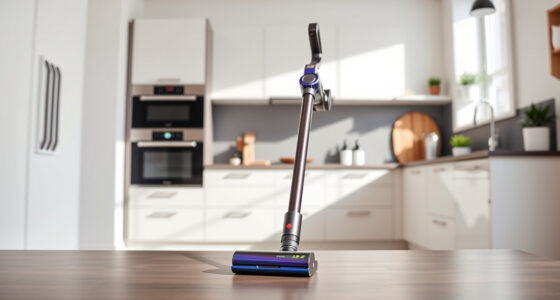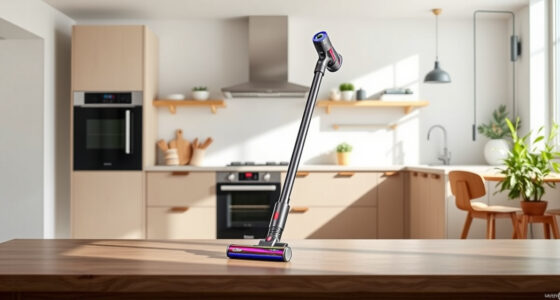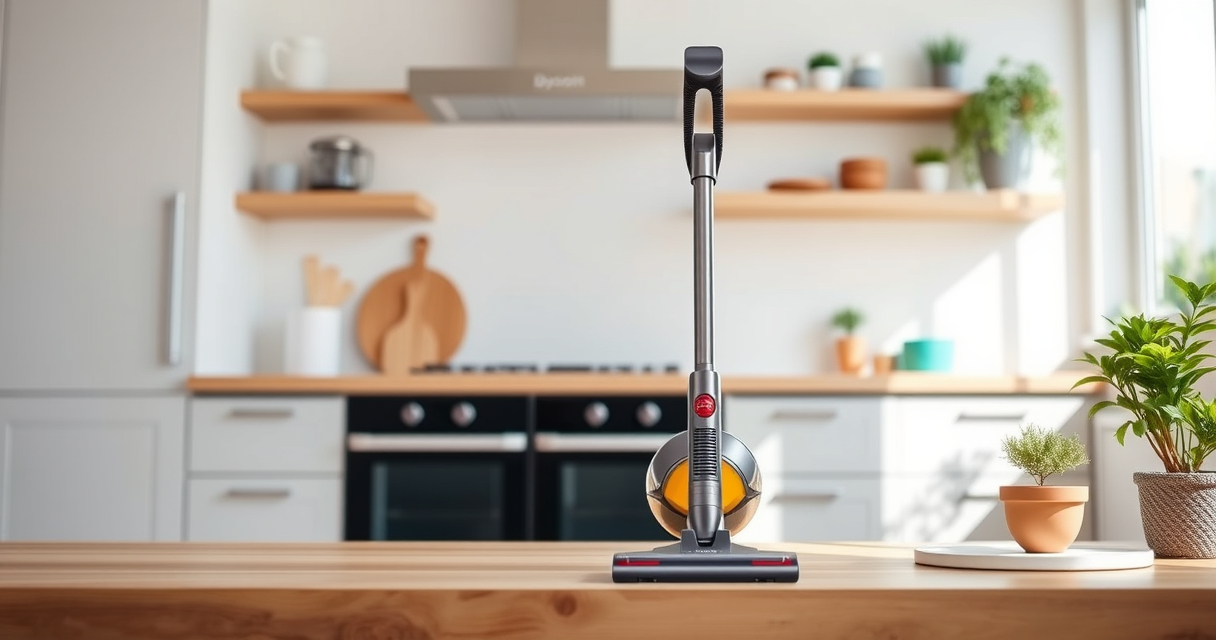
If your Dyson V15 Detect™ Origin Cordless Vacuum is pulsing on and off during use, it can disrupt your cleaning routine. This issue often stems from blockages, filter problems, or battery concerns. The following guide provides practical, step-by-step solutions to identify and fix the root causes safely and effectively.

Get home appliances delivered free — and shop member deals
- Fast, free delivery on millions of items
- Access to Prime Big Deal Days deals on October 6–7
- Prime Video, Amazon Music and more included
Before starting, ensure your vacuum is turned off and disconnected from charging to avoid injury. Regular maintenance can prevent this issue, but if it persists, follow these troubleshooting steps to restore optimal performance.
Key Takeaways
| Common cause | Clogged filters or blockages often trigger pulsing. |
| Routine maintenance | Regularly clean filters and check for obstructions. |
| Battery health | Battery issues can cause power fluctuations. |
| Filter replacement | Worn filters reduce suction and may cause pulsing. |
| Safe troubleshooting | Always disconnect from power before inspecting. |
Check for Blockages and Clogs
- Remove the cleaner head and inspect the wand and hose for debris or obstructions.
- Clear any blockages using a long, flexible tool or cloth.
- Reassemble and test the vacuum to see if pulsing persists.
Clean or Replace Filters
- Remove the pre-filter and main filter from the vacuum.
- Wash the filters with cold water and let dry completely for at least 24 hours.
- If filters are damaged or excessively dirty, replace them with compatible filters, such as the 3Pack Pre Filters or V10 filters.
- Reinstall and run the vacuum to check for improvement.
Inspect the Battery and Power Settings
Ensure your battery is fully charged and seated correctly. If the problem occurs during high-power use, consider the battery’s age and health, as degraded batteries can cause power fluctuations. Adjust the power mode from high to standard or eco to see if pulsing stops.
Update Firmware and Reset Vacuum
If your Dyson has a digital display, ensure it shows the latest updates. Reset the vacuum by turning it off, removing the battery (if removable), waiting 30 seconds, then reassembling. Power on and test again.
Contact Dyson Support
If none of the above steps resolve the pulsing, contact Dyson customer support for professional assistance or service options.
The Products in This Guide

Dyson V15 Detect™ Origin Cordless Vacuum
- ✔ Battery Life: 60 mins
- ✔ Filter Replacements: Every 2-3 months
- ✔ Weight: 6.8 lbs

LANMU Crevice Tool Vacuum Attachments Compatible
- ✔ Length: 12 inches
- ✔ Weight: 0.5 lbs
- ✔ Compatibility: Most Dyson cordless vacuums
Dyson V15 Detect™ Origin Cordless Vacuum
The Dyson V15 Detect™ Origin offers powerful cleaning with intelligent features like particle detection and adaptive power. Proper maintenance ensures it operates smoothly and without pulsing issues.
Pros:
- Powerful suction with 100% more power
- Intelligent debris detection
- Long 60-minute run time
- Versatile cleaning heads
Cons:
- Requires regular filter maintenance
- Battery degradation over time
- Complex for first-time users
Best for: Deep cleaning homes with diverse flooring types and pet hair
Not ideal for: Users seeking ultra-lightweight or budget options
Bottom line: A powerful, smart vacuum ideal for comprehensive home cleaning.
LANMU Crevice Tool Vacuum Attachments Compatible
The LANMU Crevice Tool offers a flexible and narrow nozzle to access tight spots, making it easier to clean corners and crevices that might contribute to clogging or pulsing issues.
Pros:
- Easy to maneuver into tight spaces
- Compatible with multiple Dyson models
- Durable construction
- Flexible design
Cons:
- May not fit older Dyson models
- Requires proper attachment handling
- Limited to crevice cleaning
Best for: Reaching narrow gaps in furniture, cars, and baseboards
Not ideal for: Heavy-duty cleaning or large debris removal
Bottom line: A versatile attachment that simplifies cleaning tight spots.
Frequently Asked Questions
Why does my Dyson pulsing on and off?
This can be caused by blockages, dirty filters, or battery issues. Follow the troubleshooting steps to identify the cause.
How often should I clean or replace filters?
Clean filters every 1-2 months and replace them every 2-3 months for optimal performance.
Can filter cleaning fix pulsing issues?
Yes, cleaning or replacing clogged or dirty filters often resolves pulsing problems.
What should I do if my vacuum still pulses after troubleshooting?
Contact Dyson customer support for further assistance or professional servicing.
Keep Your Dyson Running Smoothly
Regular maintenance, timely filter replacements, and proper handling can prevent pulsing issues and ensure your Dyson V15 Detect™ Origin continues to deliver powerful, efficient cleaning. If issues persist, professional support is recommended to avoid further damage.
Affiliate disclosure: As an Amazon Associate we earn from qualifying purchases. Prices and availability are accurate as of the time of publishing.
NFL season / tailgating Picks
team gear
As an affiliate, we earn on qualifying purchases.