If your Roborock Q7 M5+ Robot Vacuum and Mop isn’t connecting to WiFi, it can be frustrating. A stable WiFi connection is essential for app control and scheduling. This guide walks you through common causes and practical solutions to restore your vacuum’s connectivity efficiently.
Follow these steps carefully to troubleshoot and fix the WiFi connection problems safely, ensuring your device functions optimally again.
Key Takeaways
| Check WiFi compatibility | Ensure your WiFi network meets Roborock’s requirements. |
| Restart devices | Power cycle your vacuum and router to reset connections. |
| Update firmware | Keep your Roborock app and device firmware up to date. |
| Reset network settings | Reconfigure WiFi settings on the robot if needed. |

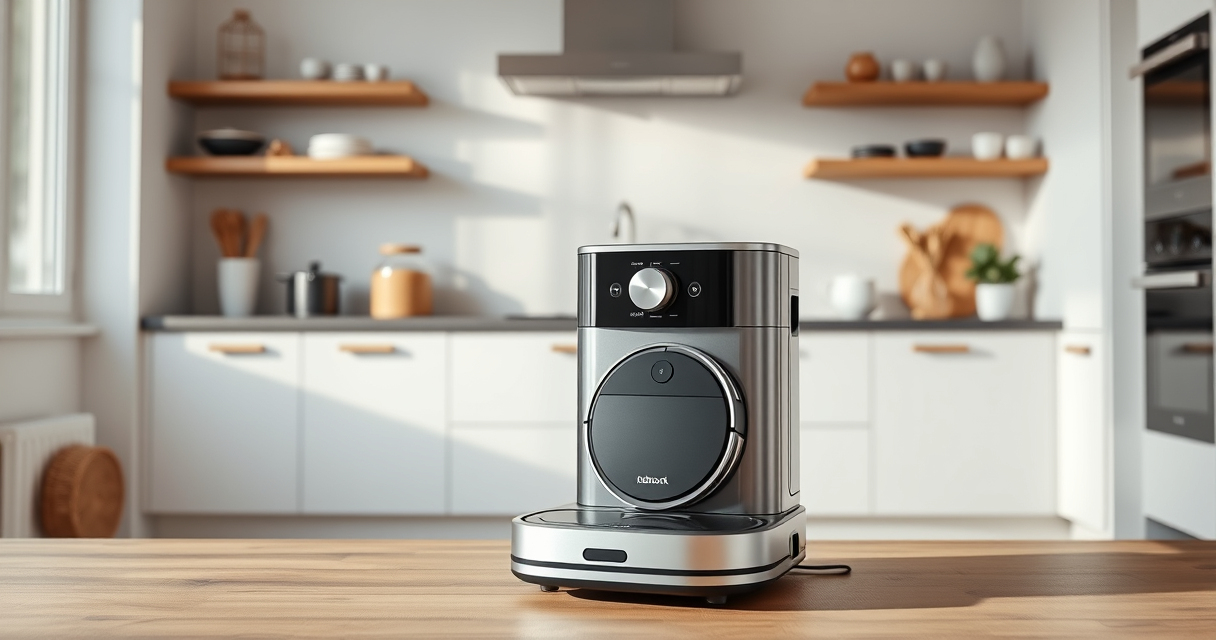
roborock Q7 M5+ Robot Vacuum and Mop, Up to 7-9 Weeks Self-Empty, 10000Pa
- Long-lasting Self-Emptying: Up to 7-9 weeks with 2.7L dust bag
- Powerful Suction: 10000Pa for deep cleaning
- Anti-Tangle Brush System: Resists pet hair wrap
As an affiliate, we earn on qualifying purchases.
Verify Your WiFi Network Compatibility
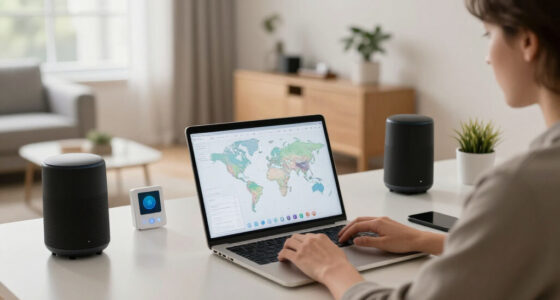
- Ensure your WiFi is 2.4GHz, as Roborock devices typically do not support 5GHz networks.
- Check your router settings to confirm the network is active and stable.
- Make sure your WiFi password is correct and not case-sensitive errors.
Restart Your Roborock and Router
- Turn off the Roborock vacuum and unplug your router.
- Wait about 30 seconds to clear any temporary glitches.
- Power both devices back on and wait until the WiFi signals stabilize.
Reconnect via the Roborock App
- Open the Roborock app and navigate to device settings.
- Select ‘WiFi Setup’ and follow on-screen instructions.
- Ensure your phone is connected to the same 2.4GHz WiFi network.
Update Firmware and App
- Check for app updates in your app store and install the latest version.
- Within the app, go to device settings and select ‘Firmware Update’ if available.
- Follow prompts to complete updates, then retry WiFi connection.
Reset Network Settings on the Roborock
- Place the robot on its charging dock.
- Press and hold the power button for about 10 seconds until you hear a reset tone.
- Reattempt WiFi setup following the initial instructions.
The Products in This Guide

roborock Q7 M5+ Robot Vacuum and Mop
- ✔ Self-Empty Capacity: 2.7L
- ✔ Max Run Time: Up to 9 weeks
- ✔ WiFi Compatibility: 2.4GHz supported

4 Pack Washable Filter
- ✔ Pack Size: 4 filters
- ✔ Material: HEPA
- ✔ Washable: Yes
roborock Q7 M5+ Robot Vacuum and Mop
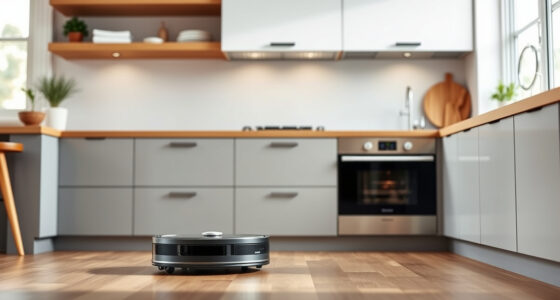
The Roborock Q7 M5+ is an upgraded model offering powerful 10000Pa suction and a dual anti-tangle system, making it ideal for pet hair and carpets. Its WiFi connectivity allows seamless app control, but connection issues can sometimes occur.
Pros:
- Powerful 10000Pa suction
- Up to 9 weeks self-empty
- Dual anti-tangle system
- Precise LiDAR navigation
Cons:
- WiFi connectivity issues
- Requires stable 2.4GHz network
- Setup may be complex for some users
Best for: Pet owners and users seeking deep cleaning with minimal maintenance
Not ideal for: Users with unstable WiFi networks or less tech-savvy users
Bottom line: A powerful, feature-rich robot vacuum that performs best with a stable WiFi connection.
4 Pack Washable Filter
Keep your Roborock vacuum functioning at its best with these washable HEPA filters. They are compatible with various models including the Q7 and Q5 Pro, ensuring efficient filtration and easy maintenance.
Pros:
- Effective filtration
- Washable and reusable
- Easy to install
- Compatible with multiple models
Cons:
- Not OEM, may vary slightly in fit
- Requires regular cleaning for best performance
- Replacement needed every few months
Best for: Maintaining high air quality and maximizing vacuum lifespan
Not ideal for: Users seeking OEM-specific filters or with very specific filtration needs
Bottom line: A cost-effective way to ensure your Roborock maintains optimal filtration performance.
Frequently Asked Questions
Why won’t my Roborock connect to WiFi?
Possible reasons include incompatible WiFi networks, signal interference, outdated firmware, or incorrect setup steps. Follow the troubleshooting steps outlined above.
Can I connect Roborock to a 5GHz WiFi network?
Most Roborock models, including the Q7 M5+, work best with 2.4GHz WiFi networks. 5GHz networks are generally not supported for device connection.
How do I reset the WiFi on my Roborock?
Place the robot on its dock, press and hold the power button for about 10 seconds until reset sound, then proceed with setting up WiFi again via the app.
What should I do if my app cannot find the robot?
Ensure your phone is connected to the same WiFi network, restart the app, and verify the robot is powered on and within range. Reboot your router if needed.
Getting Your Roborock Back Online
WiFi connection issues with your Roborock Q7 M5+ can be frustrating, but most problems are solvable with simple troubleshooting. By verifying network compatibility, restarting devices, updating firmware, and reconfiguring settings, you should be able to restore seamless control and enjoy your robot vacuum’s full features. Patience and careful following of steps will ensure your device works smoothly again, keeping your home spotless with minimal hassle.
Affiliate disclosure: As an Amazon Associate we earn from qualifying purchases. Prices and availability are accurate as of the time of publishing.