To stay healthy as a remote worker, focus on maintaining proper ergonomics—adjust your chair, desk, and monitor for comfort and good posture. Incorporate regular stretches and hydration into your day to boost circulation and prevent stiffness. Establish routines like starting with a stretch and drinking water in the morning, then continue with reminders to move and hydrate. Keep these habits consistent, and you’ll find your workspace feeling more comfortable and your energy levels improving throughout the day.
Key Takeaways
- Optimize your workspace ergonomically by adjusting chair, desk, and monitor height to prevent strain.
- Incorporate regular stretches like shoulder rolls and neck tilts to improve circulation and reduce discomfort.
- Keep a water bottle nearby and set reminders to stay hydrated throughout the day.
- Establish daily routines, including morning stretches and scheduled hydration and movement breaks.
- Combining ergonomic setup with consistent routines enhances comfort, reduces health risks, and maintains productivity.
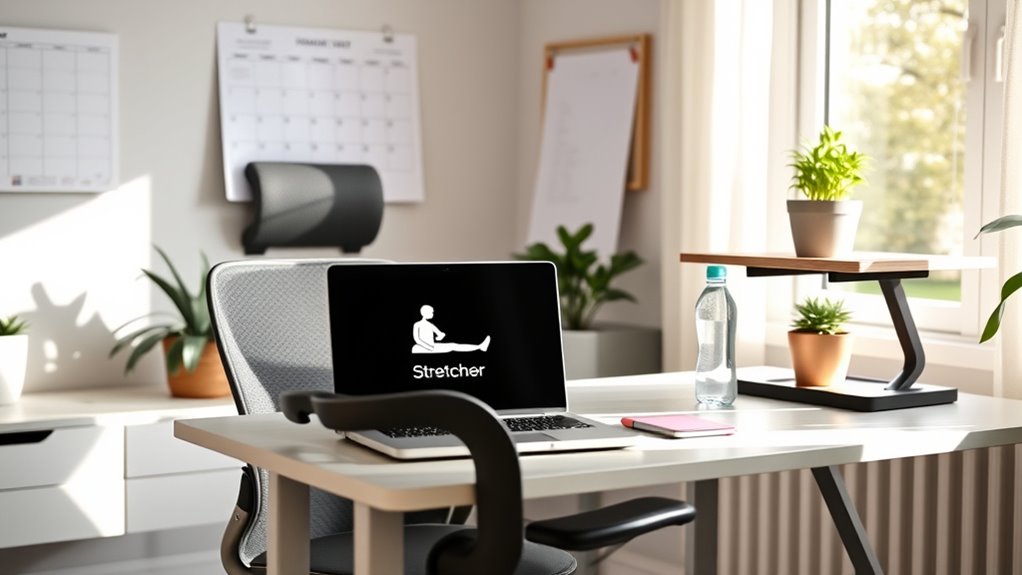
Have you ever wondered how to stay healthy while working remotely? It’s a common concern, especially when your home becomes your office. One of the most effective ways to maintain your well-being is by establishing good ergonomics and routines. First, pay attention to your workspace setup. Sitting for long periods can lead to discomfort and health issues, so make sure your chair and desk are adjusted to keep your back straight and your feet flat on the floor. Your monitor should be at eye level, preventing neck strain, and your keyboard and mouse should be within easy reach to avoid unnecessary stretching or awkward postures.
In addition to a proper setup, incorporating regular office stretches throughout your day can make a significant difference. These stretches help loosen tight muscles, improve circulation, and reduce the risk of repetitive strain injuries. Simple movements like shoulder rolls, neck tilts, and spinal twists can be done right at your desk without much effort. Make it a habit to stand up and stretch every hour—your body will thank you. Not only do these stretches keep you comfortable, but they also boost your focus and productivity. Remember, a little movement goes a long way in breaking up long periods of inactivity. Properly adjusting your workspace according to ergonomics principles can further enhance comfort and prevent strain.
Hydration tips are equally essential when working remotely. It’s easy to forget to drink enough water when you’re absorbed in tasks or distracted by the home environment. Keep a water bottle nearby and set reminders if needed to make certain you’re sipping regularly. Proper hydration supports your energy levels, sharpens concentration, and helps prevent headaches or fatigue. Drinking water also encourages you to take breaks, which can be an opportunity to stretch or walk around. Avoid excessive caffeine or sugary drinks, which can dehydrate you or cause energy crashes later.
Creating a routine that includes designated times for breaks, stretches, and hydration helps reinforce healthy habits. Start your day with a quick stretch, hydrate in the morning, and continue to sip water throughout the day. Incorporate office stretches into your regular schedule—perhaps with a reminder on your phone or computer—and watch how these small changes improve your overall health and comfort. When your workspace is ergonomically sound and your routine supports movement and hydration, you’ll find it easier to stay energized, focused, and healthy during your remote workdays.
ergonomic office chair for home office
As an affiliate, we earn on qualifying purchases.
As an affiliate, we earn on qualifying purchases.
Frequently Asked Questions
How Often Should I Take Breaks During Remote Work?
You should take a break every 60 to 90 minutes during remote work. Use this time for stretch breaks to prevent stiffness and boost circulation. During work intervals, stay focused but set a timer to remind you to stand up, move around, or stretch. Regular breaks help maintain your productivity and reduce fatigue, so don’t skip them—your body will thank you for it.
What Are the Best Ergonomic Tools for Small Home Offices?
Did you know that poor ergonomics can cause chronic pain in over 60% of remote workers? To improve your small home office, invest in an ergonomic chair that supports your back and adjustable desk to customize your workspace. These tools help reduce strain, boost comfort, and increase productivity, making your home office a healthier environment. Prioritize ergonomic essentials for long-term well-being and work efficiency.
How Can I Stay Motivated to Maintain Healthy Routines?
To stay motivated to maintain healthy routines, focus on balancing your work life with personal time. Set clear boundaries and schedule regular breaks to protect your mental health. Incorporate mental health strategies like mindfulness or brief exercise sessions to refresh your mind. Celebrate small wins and remind yourself of your goals. By prioritizing your well-being, you’ll find it easier to stay motivated and sustain those healthy habits consistently.
Are There Specific Stretches to Do at My Desk?
Think of your body as a well-tuned instrument that needs regular tuning. You can do simple stretching routines like shoulder rolls, neck stretches, and wrist flexes right at your desk. Incorporate easy desk exercises such as seated leg lifts or torso twists to keep muscles active. These small but powerful movements prevent stiffness, boost circulation, and keep your energy flowing—making your workspace a sanctuary of movement and well-being.
How Do I Balance Screen Time With Physical Activity?
To balance screen time with physical activity, take regular breaks to rest your eyes and do outdoor activities to boost eye health. Follow the 20-20-20 rule: every 20 minutes, look at something 20 feet away for 20 seconds. Incorporate outdoor walks or exercise sessions into your day to stay active, reduce eye strain, and refresh your mind. This approach keeps you energized and supports overall well-being.
Conclusion
Incorporate good ergonomics, establish a steady routine, and prioritize your well-being. Keep your workspace comfortable, set clear boundaries, and stay active throughout the day. Focus on your posture, schedule breaks, and stay hydrated. By doing these, you’ll boost your productivity, improve your health, and enjoy a balanced life. Embrace these habits, commit to your routine, and watch your remote work become more enjoyable and sustainable. Your health benefits when you prioritize your habits.