
To protect your data on hotel Wi-Fi, use a reliable VPN with strong encryption to secure your connection and disable automatic network connections. Avoid accessing sensitive accounts or sharing personal info over public networks. Verify networks before connecting and consider setting up a personal hotspot for added security. Install security apps, keep software updated, and be alert for fake networks or phishing scams. Keep your device protected, and you’ll discover more simple tech tips to stay safe.
Key Takeaways
- Use a trusted VPN with strong encryption to secure your connection on hotel Wi-Fi networks.
- Avoid accessing sensitive accounts and use encrypted messaging apps during travel.
- Verify Wi-Fi network names with hotel staff to prevent connecting to fake or malicious networks.
- Keep device software up to date and disable automatic Wi-Fi connections to reduce vulnerabilities.
- Create a personal hotspot for a safer, private internet connection instead of relying solely on hotel Wi-Fi.
VPN with strong encryption for travel
As an affiliate, we earn on qualifying purchases.
As an affiliate, we earn on qualifying purchases.
Why Hotel Wi‑Fi Is a Security Risk
Hotel Wi‑Fi networks are often insecure by design, making them prime targets for cybercriminals. Many hotel networks lack robust hotel encryption, leaving your data vulnerable to interception. These networks often have network vulnerabilities, such as weak passwords or outdated hardware, which cybercriminals exploit to gain unauthorized access. When you connect, your personal information, passwords, and sensitive data are at risk of being intercepted or hijacked. Public Wi-Fi doesn’t typically include the same security measures as private networks, making it easier for hackers to eavesdrop on your online activities. Understanding this risk helps you realize that hotel Wi-Fi isn’t always safe, and taking extra precautions is essential to protect your data from malicious attacks. Implementing security best practices can help mitigate these risks and keep your information safer during travel, especially considering that some network vulnerabilities can lead to data breaches or unauthorized access. Being aware of Wi-Fi security protocols can further help you recognize and avoid potential threats. Recognizing these vulnerabilities underscores the importance of using encryption and VPNs to safeguard your online presence.
Quick Tips: Protect Your Data on Hotel Wi‑Fi
To protect your data when using hotel Wi-Fi, it’s essential to take simple but effective precautions. First, avoid accessing sensitive information like banking or personal accounts on public networks. Use hotel amenities such as secure messaging apps or encrypted services whenever possible. Always confirm your device’s software is up to date to patch security vulnerabilities. Consider purchasing travel insurance that covers cyber theft or data breaches, providing extra peace of mind. When connecting, turn off sharing options and disable automatic Wi-Fi connections to prevent accidental links to insecure networks. Using strong, unique passwords for your accounts adds another layer of protection. Additionally, understanding network security protocols can help you recognize safer connection options, and being aware of public Wi-Fi vulnerabilities can help you avoid common security pitfalls. Staying informed about cybersecurity best practices can further enhance your safety. Being familiar with cloud security measures can help you identify more secure networks and protect your data effectively. Educating yourself about encryption methods can also prevent unauthorized access to your information. These quick tips help you stay safe without sacrificing convenience, letting you enjoy your trip without worrying about data theft.
How to Use a VPN for Hotel Wi‑Fi Security
To safeguard your data on hotel Wi‑Fi, setting up a secure VPN is essential. You need to choose a reliable VPN service that keeps your information safe and maintains a strong connection. Once you’ve selected a trustworthy provider, configuring the VPN correctly ensures your browsing stays private and secure. Additionally, understanding Internet safety practices can further enhance your security while online. Being aware of Free Floating options can help you optimize your backyard space for relaxation and entertainment when not traveling. Incorporating home network security measures can also provide an extra layer of protection for your devices. To further strengthen your security, consider utilizing smart home technology features like network segmentation and device monitoring to prevent unauthorized access and keep your data protected. Remember that choosing the right networking hardware can significantly improve your overall security and performance.
Secure VPN Setup
Using a VPN is one of the most effective ways to protect your data when connecting to hotel Wi-Fi. To guarantee maximum security, set up your VPN correctly by choosing strong encryption protocols like OpenVPN or IKEv2. Proper VPN configurations can prevent hackers from intercepting your data. Here’s a quick overview:
| VPN Feature | Importance | Recommended Settings |
|---|---|---|
| Encryption Protocols | Protect your data from eavesdroppers | Use OpenVPN or IKEv2 |
| Kill Switch | Stops data leaks if VPN disconnects | Enable always on |
| DNS Leak Protection | Prevents DNS requests from leaking | Activate in VPN settings |
| Auto-Connect | Ensures VPN connects automatically | Turn on upon network detection |
| Protocol Version | Ensures compatibility and security | Use latest VPN protocol versions |
Proper setup with secure VPN configurations keeps your data safe from prying eyes.
Choosing Reliable VPN Services
Selecting a reliable VPN service is key to maintaining your security and privacy on hotel Wi-Fi. You want a VPN provider that offers strong encryption protocols, such as AES-256, to keep your data secure from prying eyes. Research different VPN providers to guarantee they have a solid reputation for privacy and security. Look for providers that don’t log your activity and have transparent policies. Additionally, choose a VPN service with user-friendly apps compatible with your devices. Reliable VPN services will also have fast, stable connections to prevent interruptions. By selecting a trustworthy VPN provider with robust encryption protocols, you safeguard your sensitive information and enjoy peace of mind during your hotel stay. Understanding encryption protocols can help you make informed decisions about your online security. Being aware of security best practices is essential for protecting your data effectively in public networks. Implementing additional security measures, such as multi-factor authentication, can further enhance your online safety while using hotel Wi-Fi.
Choosing the Right VPN for Travel
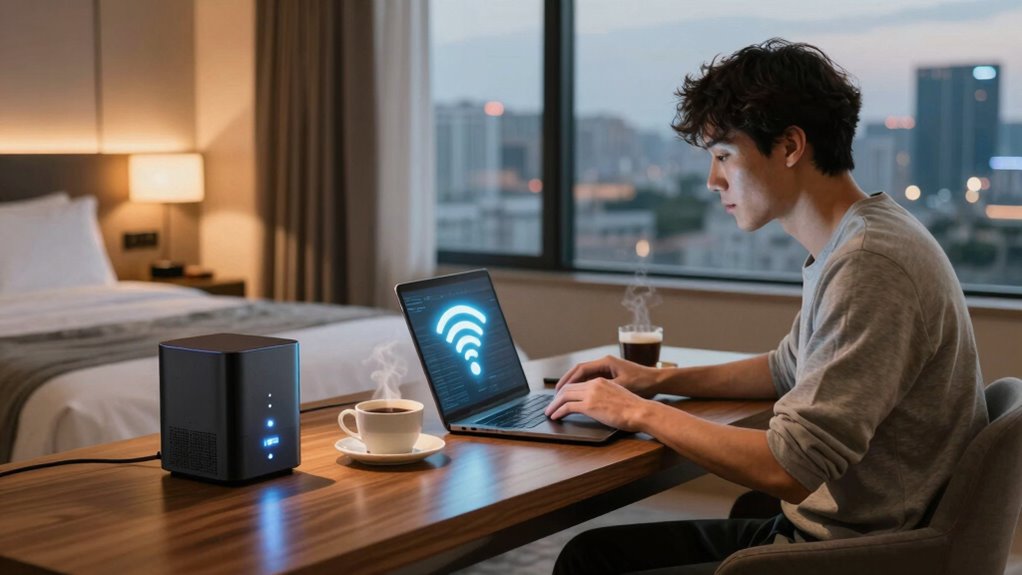
Choosing the right VPN for travel is essential for keeping your data secure and private when connecting to hotel Wi-Fi. Look for a VPN that offers strong encryption methods, such as AES-256, to protect your information from prying eyes. Make certain it also uses robust device authentication protocols to verify your identity and prevent unauthorized access. A reliable VPN should have a user-friendly interface and compatible apps for all your devices, making it easy to connect securely on the go. Avoid free VPNs, as they often compromise security or sell your data. Prioritize services with a strict no-logs policy, strong encryption, and reliable connection speeds. Understanding your online security and choosing a reputable VPN can make all the difference in protecting your personal data. With the right VPN, you can surf hotel Wi-Fi confidently, knowing your personal data stays protected, especially when considering the importance of powerful encryption in safeguarding sensitive information. Additionally, selecting a VPN that emphasizes security best practices can further enhance your protection against potential cyber threats. Incorporating independent security assessments can help ensure that the VPN provider adheres to high standards of data protection.
Set Up a Personal Hotspot to Keep Your Data Safe
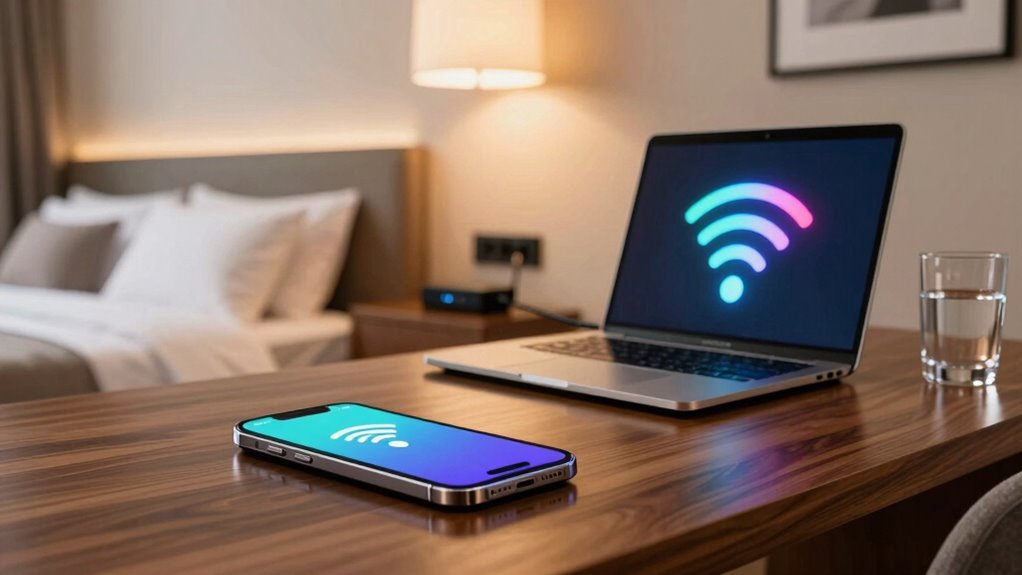
Setting up a personal hotspot creates a secure connection, so you don’t have to worry about potential threats on public Wi-Fi. It’s quick and easy to activate on your device, giving you control over your data. Using your own hotspot helps keep your information safe and private while traveling. Additionally, being aware of security considerations can help you avoid common pitfalls and enhance your data protection strategies. Understanding home network security practices can further strengthen your defenses against cyber threats.
Secure Connection Benefits
When you set up a personal hotspot, you gain a secure connection that helps protect your sensitive data from potential hackers on public Wi-Fi networks. This added security guarantees your private information stays safe, especially when accessing sensitive hotel amenities or managing travel insurance details. With a personal hotspot, you’re not relying on the hotel’s potentially unsecured network, reducing the risk of data breaches. It also gives you control over who connects to your device, minimizing unauthorized access. Creating a secure link is a simple yet effective security measure that boosts your confidence while traveling, allowing you to handle important tasks without worry. By creating a secure link, you can enjoy your trip more, knowing your data remains protected even in unfamiliar environments.
Easy Hotspot Setup
Creating a personal hotspot is a quick and straightforward way to safeguard your internet connection while traveling. By setting up your own hotspot, you control the guest privacy for anyone connecting to your network, preventing unauthorized access. It also ensures your data remains protected through Wi Fi encryption, which safeguards your information from eavesdroppers. To set it up, enable the hotspot feature on your device and create a strong password. Avoid using default or easy-to-guess passwords to keep your connection secure. Once active, connect your devices directly to your personal hotspot instead of relying on hotel Wi-Fi. This simple step minimizes exposure to potential threats and helps you maintain control over your data, making your online experience safer and more private during your trip.
Recognize Fake Wi‑Fi Networks and Phishing Scams
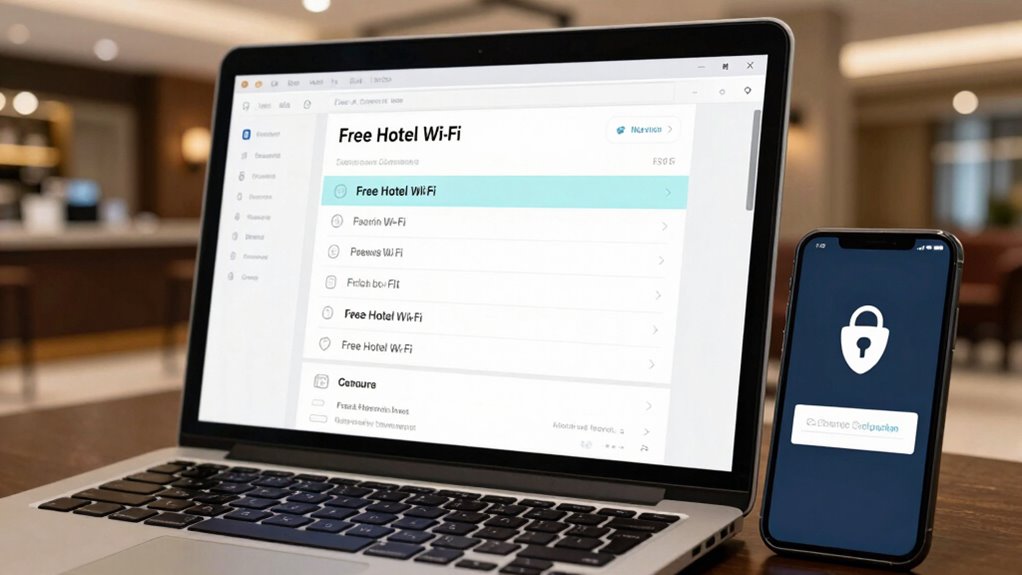
Fake Wi-Fi networks and phishing scams are common threats you should watch out for when connecting to hotel Wi-Fi. Hackers often set up fake networks that look legitimate, hoping you’ll connect without noticing. Always verify the network name with hotel staff before connecting, and avoid networks with generic or suspicious names. Phishing scams also pose a risk; scammers may send fake login pages or emails prompting you to reveal personal information. Be cautious of unexpected prompts or links, especially if they ask for sensitive data. Use your device’s Wi-Fi settings to see if the network matches the official hotel name. If anything seems off, don’t connect. Recognizing fake networks and phishing scams keeps your data safe and prevents potential security breaches.
Best Security Apps to Protect Your Phone While Traveling
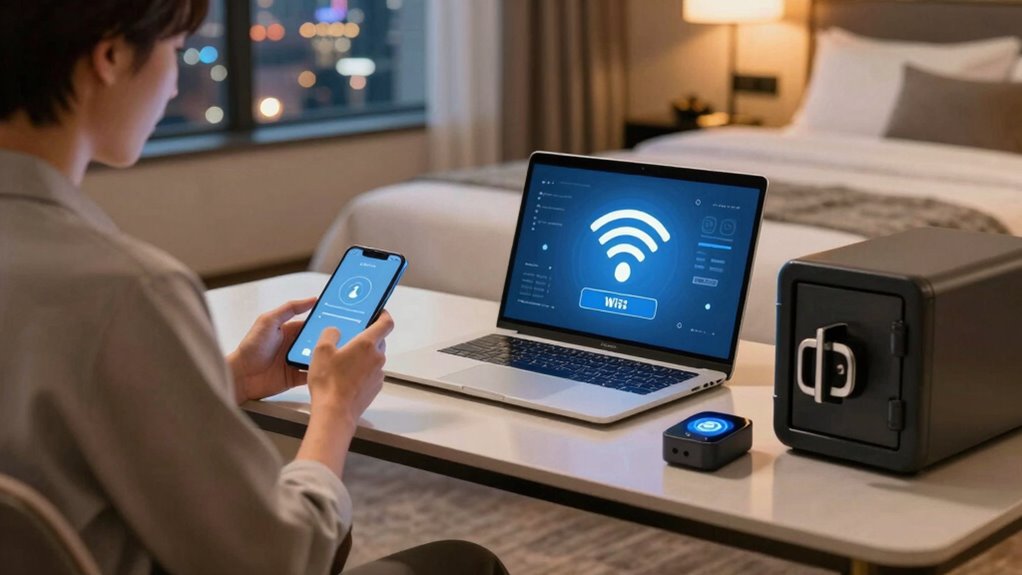
Traveling exposes your phone to various security risks, but using the right security apps can considerably enhance your protection. Password managers are essential—they securely store and generate strong, unique passwords for all your accounts, preventing unauthorized access if your device is compromised. Biometric authentication adds an extra layer of security by allowing you to detect your phone with fingerprint or facial recognition, making it harder for others to access your data. Apps like LastPass or Dashlane can help manage passwords effortlessly, while built-in biometric features from your device’s operating system increase convenience and security. Combining these tools guarantees your sensitive information stays protected, especially when connected to public Wi-Fi networks. Prioritizing these security apps keeps your data safe during your travels.
Privacy Tips for a Secure Hotel Stay
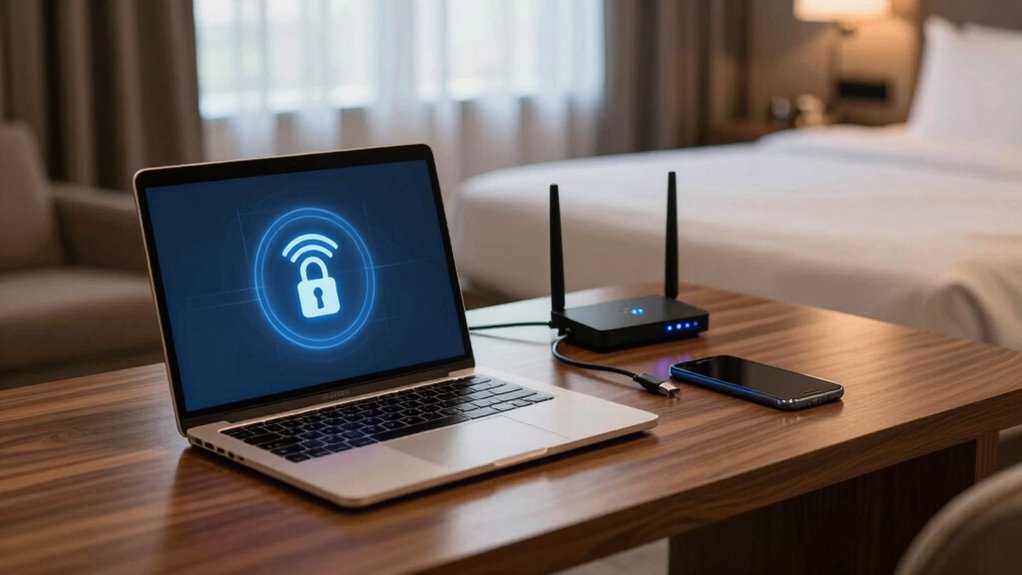
To guarantee your privacy during a hotel stay, it’s crucial to take proactive steps to protect your personal information. Public network risks, like unsecured Wi-Fi, can expose your data to hackers. Use a VPN to ensure Wi-Fi encryption, securing your connection from prying eyes. Also, avoid accessing sensitive accounts without proper protection. Here’s a quick comparison:
| Action | Benefit | Risk Mitigation |
|---|---|---|
| Use a VPN | Encrypts your data on public networks | Prevents data interception during browsing |
| Disable sharing services | Stops accidental data leaks | Reduces exposure to malicious users |
| Keep software updated | Patches security vulnerabilities | Shields against cyber threats |
Staying vigilant and using these tips helps keep your data safe on any hotel Wi-Fi.
Frequently Asked Questions
How Can I Tell if a Hotel Wi-Fi Network Is Secure?
You can tell if a hotel Wi-Fi network is secure by checking for strong encryption protocols like WPA2 or WPA3. Look for networks that require network authentication, such as a login page or password. Avoid open networks that don’t use encryption, as they’re less secure. Always verify the network name with hotel staff and confirm it’s the official one to prevent connecting to fake or unsecured networks.
Are Public VPN Services Safe for Hotel Wi-Fi Use?
Public VPN services are generally safe for hotel Wi-Fi use, as they encrypt your data and boost VPN privacy. Some worry about VPN reliability, but reputable providers guarantee your sensitive info stays protected even on public Wi-Fi. Using a VPN masks your activity from hackers and data thieves, giving you peace of mind. Just choose a trusted VPN service with strong encryption, and you can safely browse and do your tasks online.
What Should I Do if I Connect to a Suspicious Wi-Fi Network?
If you connect to a suspicious Wi-Fi network, disconnect immediately to protect your data. Then, enable device encryption and use network monitoring tools to detect unusual activity. Avoid sharing sensitive information and consider using a VPN for added security. Always update your device’s software and reset network settings if you suspect your device has been compromised. Staying vigilant helps safeguard your personal data on unfamiliar networks.
Can I Access My Bank Accounts Safely on Hotel Wi-Fi?
You can’t safely access your bank accounts on a hotel Wi-Fi because it’s like trusting a stranger with your secrets. Use a secure VPN to encrypt your connection, especially on the hotel network. Never enter your hotel password or sensitive info unless you’re sure the network is secure. Think of it as locking your digital door—without that lock, your data’s just waiting to be stolen.
How Often Should I Update My Security Apps When Traveling?
You should update your security apps regularly, ideally as soon as updates are available. Frequent updates guarantee your password management tools and device encryption stay effective against new threats. Staying current helps protect your sensitive data when using hotel Wi-Fi. Make it a habit to check for updates daily or weekly, especially during travel, so your defenses remain strong and your information stays safe from cyber threats.
Conclusion
Did you know that over 70% of travelers have experienced some form of Wi-Fi security issue? By following simple steps like using a VPN, setting up a personal hotspot, and staying alert for fake networks, you can protect your data effortlessly. Staying vigilant keeps your information safe and lets you enjoy your trip without worries. Remember, a few quick precautions go a long way in safeguarding your privacy on hotel Wi-Fi.