
Mesh Wi-Fi is a smart upgrade that gives you seamless internet coverage, fixes dead zones, and handles multiple smart devices easily. It creates a unified network by using multiple nodes, ensuring fast, reliable streaming and better device performance. With simple setup and management, it adapts to your home’s layout and device needs. Continue exploring how a mesh system can transform your home network and improve your streaming and smart device experience.
Key Takeaways
- Mesh Wi-Fi provides seamless coverage, reducing dead zones and ensuring reliable streaming and smart device connectivity throughout your home.
- It intelligently manages bandwidth, minimizing congestion from multiple devices for smoother streaming and smarter device performance.
- Easy setup and management apps enable quick configuration, security, and device control for optimal home network performance.
- Upgrading to mesh Wi-Fi enhances network stability, supporting the latest standards like Wi-Fi 6 for faster speeds.
- Proper node placement and regular updates optimize performance, helping prevent streaming buffering and smart device disconnects.

TP-Link Deco X55 AX3000 WiFi 6 Mesh System – Covers up to 6500 Sq.Ft, Replaces Wireless Router and Extender, 3 Gigabit Ports per Unit, Supports Ethernet Backhaul, Deco X55(3-Pack)
Wi-Fi 6 Mesh Wi-Fi – Next-gen Wi-Fi 6 AX3000 whole home mesh system to eliminate weak Wi-Fi for…
As an affiliate, we earn on qualifying purchases.
As an affiliate, we earn on qualifying purchases.
What Is Mesh Wi-Fi, and How Does It Improve Your Home Network?
Have you ever experienced dead zones or slow internet in certain parts of your home? That’s where mesh Wi-Fi shines. It uses multiple devices called nodes to create a seamless network, eliminating weak spots. Unlike traditional routers that rely on a single connection, mesh systems support advanced wireless standards, ensuring faster, more reliable speeds. These standards also enhance network security, protecting your data from threats. Mesh Wi-Fi automatically switches your device between nodes, so your connection remains steady whether you’re in the basement or the attic. Setting up is simple, and the system’s management app gives you control over security settings and connected devices. Overall, mesh Wi-Fi markedly improves your home network by providing consistent coverage, faster speeds, and better security. advanced wireless standards ensure that your network is future-proof and capable of supporting the latest smart devices and streaming demands. Additionally, the ease of expansion allows you to add more nodes as your needs grow, without replacing the entire system. Incorporating innovative European cloud servers can further enhance the security and sustainability of your home network infrastructure.
TP-Link Deco X55 AX3000 WiFi 6 Mesh System – Covers up to 6500 Sq.Ft, Replaces Wireless Router and Extender, 3 Gigabit Ports per Unit, Supports Ethernet Backhaul, Deco X55(3-Pack)
Wi-Fi 6 Mesh Wi-Fi – Next-gen Wi-Fi 6 AX3000 whole home mesh system to eliminate weak Wi-Fi for…
As an affiliate, we earn on qualifying purchases.
As an affiliate, we earn on qualifying purchases.
Common Wi-Fi Problems at Home and How Mesh Systems Fix Them

Many homes struggle with Wi-Fi issues like dead zones, slow speeds, and frequent disconnects, especially as more devices compete for bandwidth. Wi-Fi dead zones occur when signals can’t reach certain areas, creating frustrating blind spots. Network congestion happens when multiple devices stream, game, or download simultaneously, slowing down your connection. These problems often lead to buffering, lag, and dropped devices. Traditional routers can’t always handle the demand or evenly distribute coverage, leaving parts of your home underserved. Mesh systems fix these issues by creating a seamless, unified network that blankets your entire home with strong, reliable Wi-Fi. They reduce dead zones and ease network congestion, ensuring all your smart devices, streaming, and browsing run smoothly without interruptions. Additionally, high-performance hardware in mesh systems helps manage multiple connected devices more efficiently, further improving your overall experience. An important advantage of mesh technology is its ability to adapt to home layouts and provide consistent coverage even in challenging spaces. This adaptability often relies on advanced navigation and mapping capabilities, allowing the system to optimize coverage dynamically. Moreover, the integration of mesh network protocols enhances the system’s ability to distribute bandwidth intelligently, preventing bottlenecks and ensuring optimal performance throughout your home. Incorporating mesh Wi-Fi systems also helps future-proof your network as more smart devices are added, keeping your connected home running smoothly.
TP-Link Deco X55 AX3000 WiFi 6 Mesh System – Covers up to 6500 Sq.Ft, Replaces Wireless Router and Extender, 3 Gigabit Ports per Unit, Supports Ethernet Backhaul, Deco X55(3-Pack)
Wi-Fi 6 Mesh Wi-Fi – Next-gen Wi-Fi 6 AX3000 whole home mesh system to eliminate weak Wi-Fi for…
As an affiliate, we earn on qualifying purchases.
As an affiliate, we earn on qualifying purchases.
How to Pick the Best Mesh Wi-Fi System for Your Home
When choosing a mesh Wi-Fi system, you need to evaluate your home’s coverage needs and guarantee the system can handle the size of your space. Compatibility with your existing devices is also vital to avoid connectivity issues. Balance your budget with the features you want to get the best system for your home. Additionally, understanding network infrastructure can help you select hardware that ensures reliable and scalable connectivity throughout your residence. Knowing how to properly size and plan your load can prevent network bottlenecks and improve overall performance.
Coverage Area Considerations
Choosing the right mesh Wi-Fi system depends heavily on understanding your home’s coverage needs. You need sufficient signal strength to reach every room and interference mitigation to prevent disruptions from walls or electronics. Consider the size and layout of your home when selecting a system. Larger homes may require more nodes to cover every corner, while open layouts need strong signal overlap. Use the table below to compare options based on coverage area, signal strength, and interference mitigation:
| Coverage Area | Signal Strength | Interference Mitigation |
|---|---|---|
| Small apartment | Moderate | Basic |
| Medium home | Strong | Advanced |
| Large house | Very strong | Superior |
Additionally, selecting a system with local automation capabilities can enhance your smart home experience by enabling more reliable and private control over connected devices. Understanding wireless signal propagation can help you optimize placement for maximum coverage and performance. Knowing how interference sources affect your Wi-Fi can also guide you in reducing disruptions and improving overall connectivity.
Device Compatibility Factors
Ensuring your mesh Wi-Fi system works seamlessly with your existing devices requires paying attention to compatibility factors. Not all systems support every smart device or connection type, which can cause frustration. To guarantee smooth smart device integration, check for compatibility with your current gadgets and platforms. Consider these factors:
- Support for your device’s Wi-Fi standards (e.g., Wi-Fi 5 or Wi-Fi 6)
- Compatibility with smart home ecosystems like Alexa, Google Assistant, or Apple HomeKit
- Support for wired connections if you have devices requiring Ethernet
Budget and Feature Balance
Finding the right mesh Wi-Fi system involves balancing your budget with the features you need. Start by comparing prices with a thorough price comparison, ensuring you get the best deal without sacrificing essential functions. Consider brand reputation, as trusted brands often offer better reliability and support. To help decide, review this quick comparison:
| Budget Range | Key Features | Recommended Brands |
|---|---|---|
| Low | Basic coverage, few ports | TP-Link, Eero Basic |
| Mid | Extended coverage, smart home | Netgear Orbi, Google |
| High | Advanced security, speed | Asus, Synology |
| Premium | Customization, enterprise | Linksys Velop, Ubiquiti |
Prioritize your needs and budget to find the perfect balance for your home.

TP-Link AC1200 WiFi Extender, 2023 Engadget Best Budget Pick, 1.2Gbps Signal Booster for Home, Dual Band 5GHz/2.4GHz, Covers Up to 1500 Sq.ft and 30 Devices,Support Onemesh, One Ethernet Port (RE315)
𝐒𝐭𝐫𝐨𝐧𝐠𝐞𝐫 𝐖𝐢-𝐅𝐢 𝐢𝐧 𝐄𝐯𝐞𝐫𝐲 𝐂𝐨𝐫𝐧𝐞𝐫 – Enjoy extended coverage with strong performance powered by Adaptive Path Selection and…
As an affiliate, we earn on qualifying purchases.
As an affiliate, we earn on qualifying purchases.
How to Set Up Your Mesh Wi-Fi Network Step-by-Step

To set up your mesh Wi-Fi network, start by planning your network layout to guarantee ideal coverage. Next, place your mesh nodes in strategic locations for the best performance. When positioning your nodes, consider maximizing your truck bed’s potential to ensure comprehensive coverage throughout your home. Additionally, ensure your network’s security settings are properly configured to protect against unauthorized access. Finally, configure each node according to the manufacturer’s instructions to get everything connected smoothly. Be sure to incorporate proper safety protocols during setup to prevent electrical hazards and ensure a safe installation process.
Planning Your Network Layout
Start by evaluating your home or office space to determine the best placement for your mesh Wi-Fi nodes. Aim for locations that maximize coverage while minimizing obstacles, such as thick walls or large furniture. Proper placement improves network security by reducing dead zones and prevents congestion, making device management easier. To enhance your layout, consider these tips:
- Position nodes centrally and elevated for better signal distribution
- Avoid placing nodes near cordless phones or microwaves to reduce interference
- Ensure each node has a clear line of sight for optimal performance
- Remember that Free Floating environments require flexible placement strategies to achieve comprehensive coverage
- Additionally, assessing your network layout allows for better planning to avoid interference and dead zones, ensuring consistent connectivity across your space
- Taking into account the device density and potential future expansion can help maintain your mesh system’s efficiency and reliability
Planning your network layout carefully ensures seamless connectivity across your space. It also helps maintain a secure network by reducing weak spots that could be exploited. Think about your device density and future expansion to keep your mesh system efficient and reliable.
Configuring Mesh Nodes
Setting up your mesh nodes correctly is essential for a reliable Wi-Fi connection. Start by carefully choosing node placement; place your primary node near your modem, then position secondary nodes throughout your home to ensure even coverage. Avoid placing nodes behind thick walls or large metal objects, which can weaken signals. To optimize performance, consider network segmentation by creating separate SSIDs for different device types or activities, helping to reduce congestion. Use your app or web interface to connect each node, following the setup instructions closely. Run speed tests after installation to confirm coverage and performance. Proper node placement combined with thoughtful network segmentation guarantees your mesh Wi-Fi system provides seamless streaming and smart device connectivity across your home. Additionally, understanding the importance of essential oils for wireless device health can help in maintaining optimal signal strength and reducing interference. Remember that wireless signal interference can be minimized by strategic placement and regular network maintenance, ensuring your system remains efficient. Regularly updating your firmware can also address performance issues and improve overall stability. Incorporating interference reduction strategies such as adjusting channel settings can further enhance your network’s reliability, and using signal boosters or extenders can help cover difficult areas in your home.
Tips to Optimize Your Mesh Wi-Fi for Streaming and Smart Devices
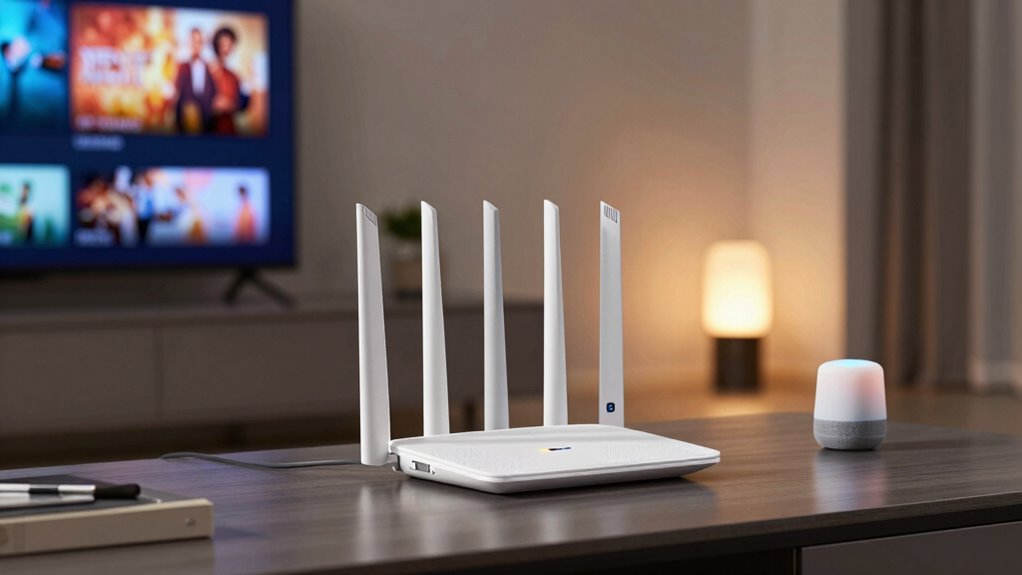
Optimizing your Mesh Wi-Fi for streaming and smart devices guarantees a smoother, more reliable connection throughout your home. To achieve this, start by placing nodes strategically, avoiding obstructions like thick walls. Keep your firmware updated regularly to patch security concerns and improve performance. Also, set up separate networks or VLANs for smart devices to enhance security and reduce interference. Understanding your smartphone settings can also help optimize device performance and connectivity. Additionally, understanding the bandwidth management features of your router can help prioritize traffic for streaming and smart devices, ensuring consistent performance.
Mesh Wi-Fi vs. Traditional Routers : Which One Is Right for You?

Are you wondering whether a Mesh Wi-Fi system or a traditional router is better suited for your home? It depends on your needs. Mesh systems offer seamless coverage, ideal for larger homes or many smart devices, ensuring consistent internet speed throughout. Traditional routers can work well in smaller spaces but may struggle with dead zones. When choosing, consider router security features and how they protect your network. Mesh systems often include advanced security options and easier management, while routers may require manual updates to stay secure. Here’s a quick comparison:
| Feature | Mesh Wi-Fi | Traditional Router |
|---|---|---|
| Coverage | Wide, seamless coverage | Limited, depends on placement |
| Internet Speed | Consistent across devices | May vary with distance |
| Router Security | Built-in advanced security | Manual updates needed |
Additionally, network security is an important factor to consider when selecting your device, as it impacts the safety of your connected devices and personal data. Choose based on your home’s size, device needs, and security priorities.
How to Maximize Coverage and Performance With Your Mesh Wi-Fi
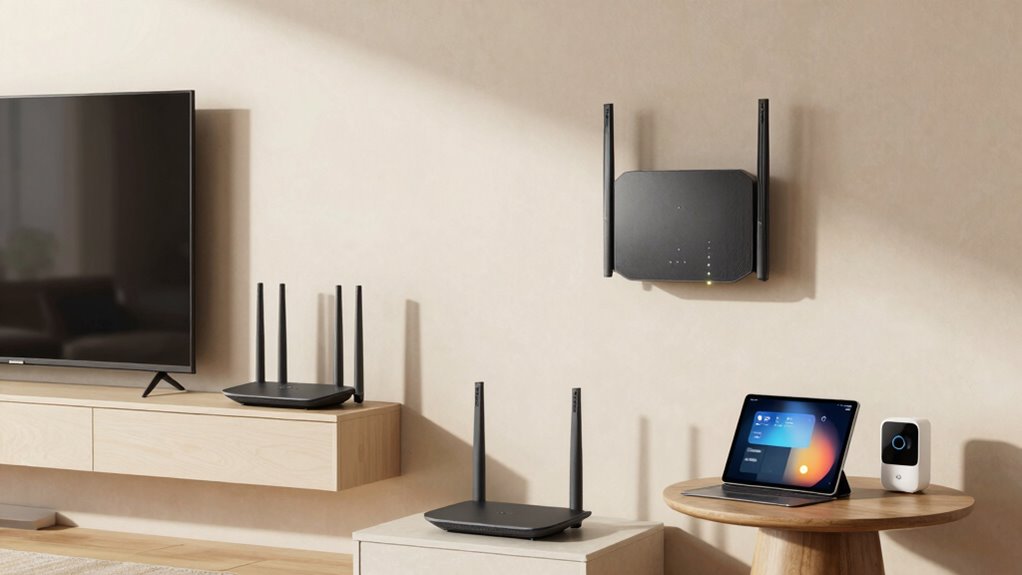
To get the most out of your Mesh Wi-Fi system, focus on strategic placement of your nodes to guarantee even coverage and reduce dead zones. Place nodes centrally in your home, away from thick walls or large metal objects that can interfere with wireless signals. Ensure your main node is near your modem for peak performance, and position others where devices frequently connect. Regularly update your network settings to maintain wireless security, safeguarding your smart devices and streaming. Use parental controls to manage internet access for kids, especially if multiple nodes extend coverage to different rooms. Keep nodes elevated and free from clutter to maximize signal strength. This setup helps optimize coverage and performance, ensuring seamless streaming and reliable smart device connectivity throughout your home.
Troubleshooting Mesh Wi-Fi Issues and When to Get Help

Experiencing slow internet speeds or frequent disconnections can be frustrating, but many common issues with Mesh Wi-Fi systems have straightforward solutions. First, check if your firmware is up to date, as updates often fix bugs and improve security concerns. If problems persist, try repositioning your nodes for better coverage and reduce interference from other devices. Always guarantee your network security is strong to prevent unauthorized access, which can slow speeds or cause disruptions. When issues continue despite these steps, contact your provider or manufacturer for expert help. They can diagnose hardware problems or identify firmware issues that require advanced troubleshooting. Regularly updating firmware and maintaining security practices are key to keeping your Mesh Wi-Fi system running smoothly and securely.
Frequently Asked Questions
Can Mesh Wi-Fi Systems Expand Seamlessly as My Home Grows?
Yes, mesh Wi-Fi systems expand seamlessly as your home grows. You simply add more nodes to handle increased home expansion, ensuring consistent coverage. Plus, most mesh systems are designed for device compatibility, making it easy to integrate new devices without issues. This flexibility guarantees you won’t experience dead zones or slowdowns, no matter how much your home or your device network expands over time.
Are There Security Risks Associated With Using Mesh Wi-Fi Networks?
Security concerns can creep in with mesh Wi-Fi, but you can counteract them. By consistently updating firmware, enabling strong network encryption, and verifying device authentication, you safeguard your smart systems. While risks exist, proactive practices, such as changing default passwords and using secure protocols, markedly diminish dangers. So, yes, mesh Wi-Fi networks can be secure if you stay vigilant, validate devices, and fortify your network with reliable security measures.
How Do Mesh Systems Handle Multiple Devices Simultaneously?
Mesh systems manage multiple devices simultaneously by intelligently allocating bandwidth and prioritizing devices based on activity. They dynamically adjust bandwidth allocation to make sure of smooth streaming and fast connections for your smart devices. You can also set device prioritization to give certain gadgets, like your work laptop or streaming device, higher priority during peak usage. This approach helps prevent congestion, providing a seamless experience across all your connected devices.
Is There a Significant Difference in Power Consumption Between Mesh and Traditional Routers?
You’ll notice that mesh systems generally have similar energy consumption to traditional routers, but their energy efficiency can vary based on usage and model. In a power comparison, mesh systems might use a bit more energy because of multiple nodes, but many are designed to be energy-efficient. Overall, if you’re concerned about power consumption, check the specifications for each system’s energy efficiency ratings to make an informed choice.
Can Mesh Wi-Fi Improve Connectivity for Outdoor or Garage Areas?
Did you know that 40% of homeowners struggle with outdoor connectivity? Mesh Wi-Fi can considerably improve your outdoor and garage coverage by expanding your network seamlessly. It creates a unified signal, eliminating dead zones and ensuring your smart devices and streaming stay reliable outside. With mesh, you get stronger, consistent internet in areas traditional routers often can’t reach, making your outdoor spaces more functional and enjoyable.
Conclusion
Now that you understand how mesh Wi-Fi can transform your home network, you might wonder what’s next. Will your chosen system seamlessly handle every device and streaming session? Or will hidden challenges emerge, testing your patience? The key is staying proactive and prepared. With the right setup and a bit of troubleshooting know-how, you’ll unbolt a smoother, more reliable connection—perhaps even revealing surprises along the way. Are you ready to take that next step?