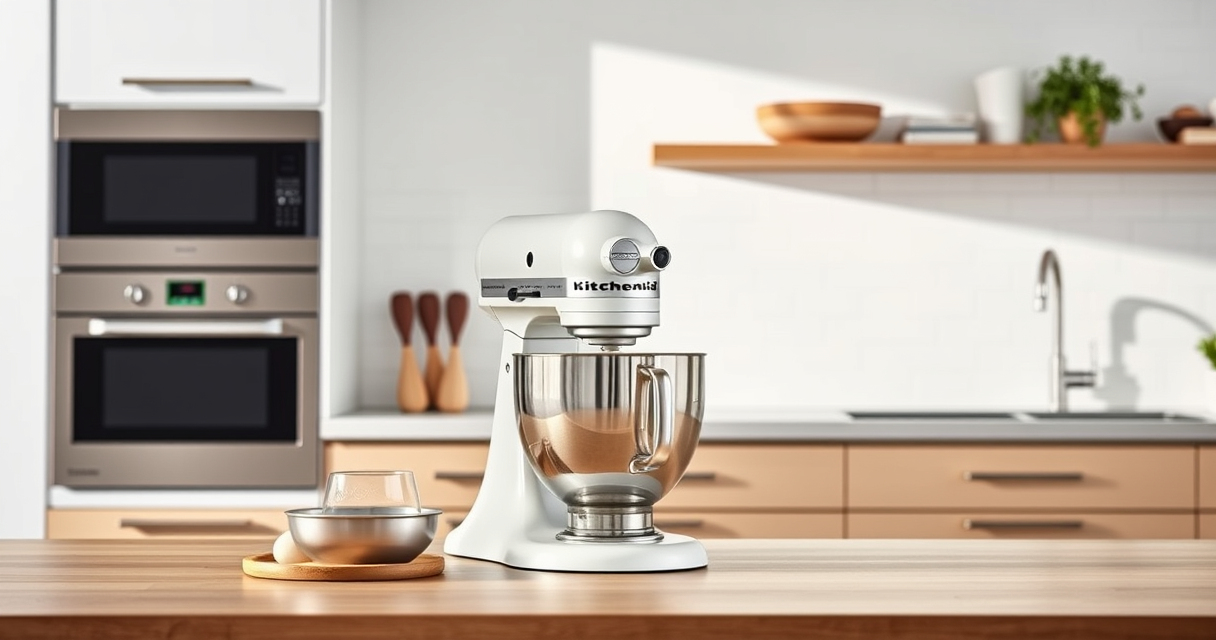

Maintaining your KitchenAid Artisan Series 5 Quart Tilt Head Stand Mixer is essential for ensuring it continues to perform at its best for years to come. Proper cleaning, regular checks, and troubleshooting can prevent common issues and extend the life of your beloved appliance.

Get home appliances delivered free with Prime
- Fast, free delivery on millions of items
- Prime Video, Amazon Music and more included
- Member-only deals all year
In this comprehensive guide, you’ll find practical, step-by-step instructions on how to keep your mixer in top condition, troubleshoot common problems, and perform essential maintenance tasks safely and efficiently.
Key Takeaways
| Regular Cleaning | Keep your mixer clean to prevent buildup and ensure smooth operation. |
| Bowl and Attachments | Regularly inspect and clean to avoid contamination and maintain performance. |
| Lubrication & Checks | Periodic lubrication of moving parts can prevent wear and tear. |
| Troubleshooting | Identify and fix common issues like motor overheating or unusual noises. |
| Safe Handling | Always disconnect power before maintenance and follow safety tips. |
Preparing for Maintenance
- Unplug the mixer from the power source to ensure safety before starting any maintenance.
- Gather necessary cleaning supplies: a damp cloth, mild dish soap, a soft brush, and a dry towel.
- Remove all attachments and the bowl for separate cleaning and inspection.
Cleaning the Mixer Body and Attachments
- Wipe the exterior of the mixer with a damp cloth, avoiding any openings or electrical components.
- Clean the stainless steel bowl and attachments with warm, soapy water. Use a soft brush to remove any stubborn residue.
- Dry all parts thoroughly to prevent rust or corrosion.
Inspecting and Maintaining Moving Parts
Check the tilt-head hinge and locking mechanism for smooth movement. Apply a few drops of food-grade lubricant if movement feels stiff. Do not over-lubricate, and avoid getting lubricant on the mixing surfaces.
Inspect the power cord for damage. If frayed or cracked, replace immediately or seek professional repair.
Troubleshooting Common Issues
- Motor Overheating: Allow the mixer to cool down for 15-20 minutes. Ensure you’re not exceeding recommended mixing times or loads.
- Unusual Noises: Check for debris or dried food in the attachments or bowl area. Clean thoroughly and reassemble properly.
- Mixer Not Starting: Confirm it is plugged in and the power outlet is functional. Reset by unplugging and plugging back in.
Reassembling and Final Checks
Reattach the cleaned bowl and attachments. Lock the tilt-head securely into place. Test the mixer on a low speed to verify smooth operation before using it for your recipes.
Perform regular checks every few months to ensure continued performance and safety.
The Products in This Guide

KitchenAid Artisan Series 5 Quart Tilt Head Stand Mixer
- ✔ Bowl Material: Stainless steel
- ✔ Number of Touchpoints: 59
- ✔ Number of Speeds: 10

KitchenAid Stand Mixer Attachment
- ✔ Grinding Plates: Fine, medium, coarse
- ✔ Sausage Stuffer: Included
- ✔ Storage Case: Yes
KitchenAid Artisan Series 5 Quart Tilt Head Stand Mixer
The KitchenAid Artisan Series 5 Quart Tilt Head Stand Mixer is built with durable metal construction and offers 59 touchpoints for thorough mixing. Its tilt-head design provides easy access for cleaning and attachment changes, making maintenance straightforward. Regular upkeep can keep this mixer running smoothly for years.
Pros:
- Sturdy metal build for longevity
- Easy tilt-head access for cleaning
- Dishwasher-safe bowl and accessories
- Multiple speed settings for versatility
Cons:
- Can be heavy to move around
- Requires occasional lubrication of moving parts
- Price may be high for some budgets
Best for: Home bakers and cooking enthusiasts who want a reliable, long-lasting mixer.
Not ideal for: Those seeking a lightweight or budget-friendly option.
Bottom line: A dependable mixer that combines durability with ease of maintenance for everyday baking needs.
KitchenAid Stand Mixer Attachment
The KitchenAid Metal Food Grinder attachment expands your mixer’s capabilities, allowing you to grind meat, vegetables, and more with ease. It’s easy to attach, clean, and provides consistent results, making it a useful addition for home cooks who want fresh ingredients.
Pros:
- Versatile for grinding meats, vegetables, and nuts
- Includes multiple grinding plates
- Compact storage case
- Compatible with all KitchenAid stand mixers
Cons:
- Requires pre-chilling for best results
- Additional cost for attachment
- Cleaning can be time-consuming
Best for: Home cooks who want to process fresh ingredients easily.
Not ideal for: Those who rarely grind ingredients or prefer pre-made products.
Bottom line: An efficient attachment for expanding your KitchenAid’s food prep versatility.
Frequently Asked Questions
How often should I clean my KitchenAid mixer?
Clean your mixer after every use to prevent buildup. Wipe down the exterior and wash removable parts with warm, soapy water, drying thoroughly afterward.
Can I use my KitchenAid tilt-head mixer for heavy doughs?
Yes, but avoid exceeding the recommended load—such as 28g dough per flat beater or 9 dozen cookies in one batch—to prevent motor strain.
What should I do if my mixer makes unusual noises?
Turn off and unplug the mixer. Check for debris, dried ingredients, or loose attachments. Clean thoroughly and reassemble properly. If noise persists, consult a professional.
Is it safe to lubricate the mixer myself?
Yes, only use food-grade lubricant and apply sparingly to moving parts like the tilt-head hinge. Always disconnect power before applying lubricant.
How do I troubleshoot if my mixer stops working?
First, ensure it’s plugged in and the outlet functions. Check the power cord for damage. Reset the mixer by unplugging, waiting a few minutes, then plugging back in. If the problem persists, contact support.
Keep Your KitchenAid Running Smoothly With Simple Maintenance
Regular cleaning and inspection are key to ensuring your KitchenAid Artisan Mixer remains reliable and efficient. By following these maintenance steps and troubleshooting tips, you can enjoy consistent performance and extend the lifespan of your beloved kitchen appliance.
Remember to handle all components with care, use food-safe lubricants when needed, and always disconnect power before performing any maintenance. A well-maintained mixer will serve you well for countless delicious creations.
Affiliate disclosure: As an Amazon Associate we earn from qualifying purchases. Prices and availability are accurate as of the time of publishing.
NFL season / tailgating Picks
team gear
As an affiliate, we earn on qualifying purchases.