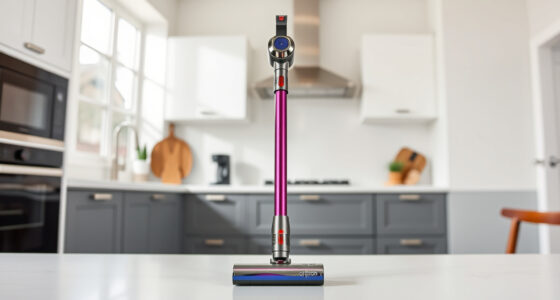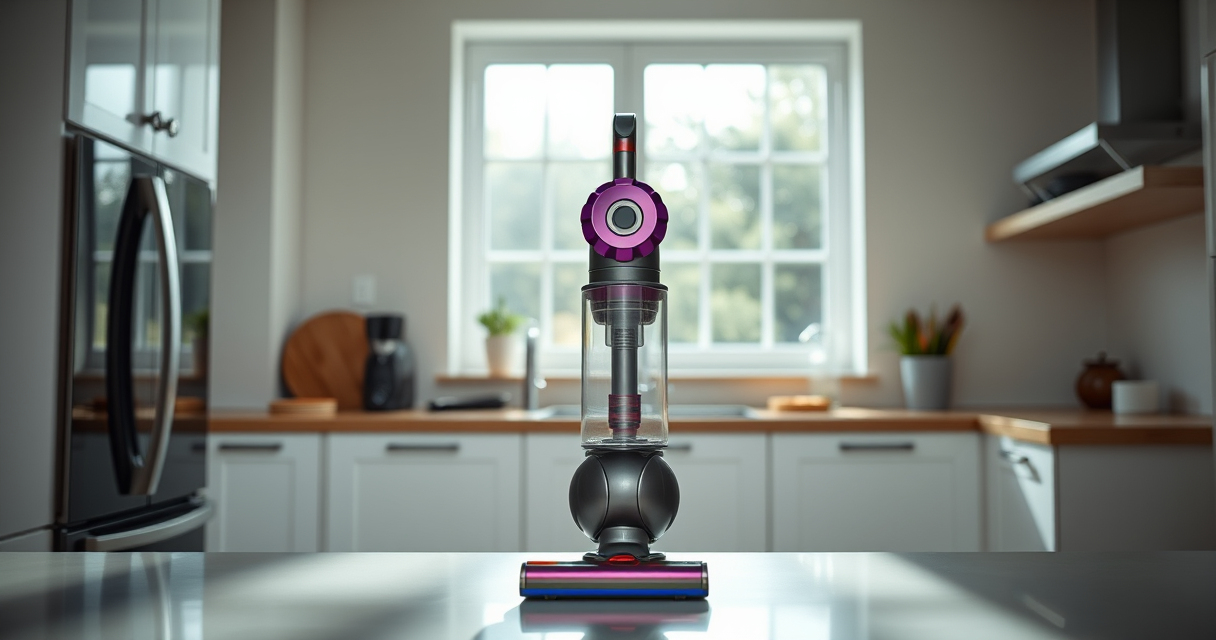

If your Dyson V15 Detect™ Origin Cordless Vacuum is losing battery life quickly, it can be frustrating and hinder your cleaning routine. Fortunately, many battery issues are caused by simple factors that can be fixed with some basic troubleshooting and maintenance. This guide walks you through the common causes and step-by-step solutions to extend your vacuum’s run time and keep it performing at its best.

Get home appliances delivered free — and shop member deals
- Fast, free delivery on millions of items
- Access to Prime Big Deal Days deals on October 6–7
- Prime Video, Amazon Music and more included
Understanding what influences battery longevity and how to maintain your Dyson can help you maximize its lifespan and efficiency. Let’s explore the most likely causes of rapid battery drain and how to resolve them safely and effectively.
Key Takeaways
| Battery Age | Older batteries tend to hold less charge over time. |
| Filters and Clogs | Dirty filters or blockages can cause motor strain and battery drain. |
| Charging Habits | Incorrect charging practices can reduce battery lifespan. |
| Power Settings | High power modes consume more battery quickly. |
| Maintenance | Regular cleaning and filter replacement help preserve battery life. |
Check Battery Age and Usage
- Determine the age of your Dyson V15 Detect™ battery. Batteries typically last 2-3 years with regular use.
- If the vacuum is over this period or the battery holds a significantly shorter charge, it may be time to replace it.
- Consider whether you’ve been using high-power modes frequently, which can drain the battery faster.
Inspect and Clean the Filters
- Remove the pre-filters and main filters from your vacuum as per the user manual.
- Rinse filters under water and let them air dry completely—this can take 24 hours.
- Reinstall the filters once dry to ensure optimal airflow and motor efficiency, preventing unnecessary battery drain.
Optimize Charging Habits
- Avoid leaving the battery on the charger for extended periods after it reaches full charge.
- Use the original charging cable and dock to ensure proper charging cycles.
- Charge the vacuum in a cool, dry place to prevent overheating, which can degrade the battery over time.
Adjust Power Settings and Attachments
- Switch to lower power modes when cleaning less demanding surfaces to conserve battery.
- Use attachments like the LANMU Crevice Tool for hard-to-reach areas to reduce unnecessary power usage.
- Turn off the vacuum when not actively cleaning to prevent ongoing battery drain.
Replace Worn-Out Filters and Consider Battery Replacement
If your filters are dirty or worn, replacing them can improve airflow and reduce motor strain. For persistent battery issues, consider replacing the battery with a compatible, high-quality replacement.
Always follow safety instructions and use recommended parts to ensure safe and effective repairs.
The Products in This Guide

Dyson V15 Detect™ Origin Cordless Vacuum
- ✔ Battery Type: Lithium-ion
- ✔ Charge Time: Approximately 4 hours
- ✔ Warranty: 2 years

LANMU Crevice Tool Vacuum Attachments Compatible
- ✔ Filter Type: Pre-filter
- ✔ Material: Silicone and synthetic fibers
- ✔ Warranty: N/A
Dyson V15 Detect™ Origin Cordless Vacuum
The Dyson V15 Detect™ Origin delivers exceptional cleaning performance with intelligent features and a 60-minute runtime. Regular maintenance of filters and mindful charging habits can prolong battery life, but eventually, battery replacement might be necessary for optimal performance.
Pros:
- Powerful cleaning with intelligent detection
- Long-lasting battery (up to 60 mins)
- Easy to convert into handheld
- LCD screen for real-time updates
Cons:
- Battery life diminishes over time
- Battery replacement can be costly
- Filters require regular cleaning
Best for: Homeowners seeking a powerful cordless vacuum with smart features
Not ideal for: Heavy usage with frequent high-power mode for extended periods
Bottom line: Regular maintenance and mindful use can significantly extend your Dyson V15’s battery life.
LANMU Crevice Tool Vacuum Attachments Compatible
Replacing your Dyson filters regularly ensures optimal airflow and reduces battery strain. The 3-pack pre-filters are compatible with multiple Dyson models and are easy to clean and reuse, helping maintain your vacuum’s efficiency.
Pros:
- Improves suction and airflow
- Easy to clean and reuse
- Compatible with many Dyson models
- Affordable replacement option
Cons:
- Requires regular replacement every 2-3 months
- Filters can wear out over time
- Needs proper drying before reuse
Best for: Maintaining peak vacuum performance and prolonging battery life
Not ideal for: If filters are already heavily clogged or damaged
Bottom line: Regular filter replacement helps your Dyson run efficiently and extends battery life.
Frequently Asked Questions
How can I tell if my Dyson battery needs replacing?
If your vacuum’s runtime has significantly decreased despite proper maintenance, or if it no longer holds a charge after full charging, it may be time to consider replacing the battery.
Can I replace the battery myself?
Yes, if you are comfortable with basic DIY tasks, you can replace the Dyson V15 Detect™ battery using compatible replacement batteries. Always follow safety instructions and disconnect from power before starting.
How often should I clean or replace filters?
Filters should be rinsed and dried every 2-3 months or more frequently if used heavily. Replacing filters when they become worn or damaged is also recommended for optimal performance.
Is it safe to use third-party batteries or filters?
Using original or high-quality compatible parts is safest. Third-party batteries may not meet safety standards and could damage your vacuum or pose safety risks.
Maximize Your Dyson’s Battery Life with Proper Care
Regular maintenance, mindful charging habits, and timely filter replacements can help prevent your Dyson V15 Detect™ battery from dying prematurely. If all troubleshooting fails, replacing the battery with a compatible, high-quality unit can restore your vacuum’s long-lasting power. By following these steps, you ensure your Dyson continues to deliver powerful, efficient cleaning for years to come.
Affiliate disclosure: As an Amazon Associate we earn from qualifying purchases. Prices and availability are accurate as of the time of publishing.
Fall Picks
fall essentials
As an affiliate, we earn on qualifying purchases.