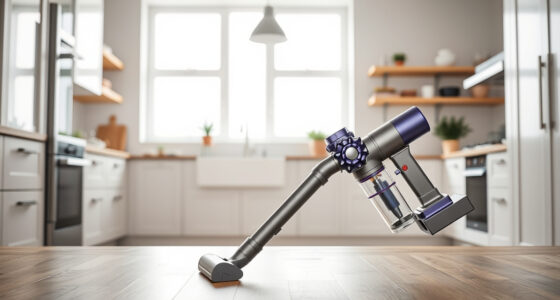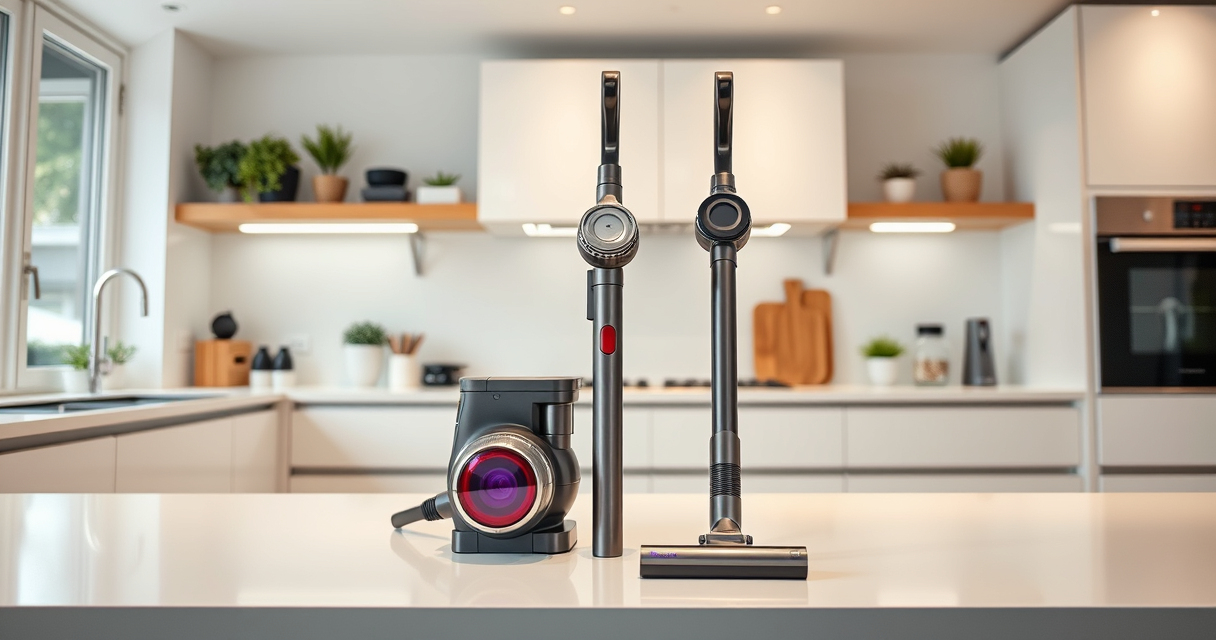
If your Dyson V15 Detect™ Origin Cordless Vacuum is pulsing on and off during use, it can be frustrating and hinder your cleaning. This guide provides clear, safe troubleshooting steps to identify and fix common causes of this issue, ensuring your vacuum performs at its best.

Get home appliances delivered free with Prime
- Fast, free delivery on millions of items
- Prime Video, Amazon Music and more included
- Member-only deals all year
Understanding the potential reasons behind pulsing—such as blockages, filter problems, or battery issues—can help you resolve the problem quickly and safely. Follow these steps to get your Dyson back to optimal cleaning power.
Key Takeaways
| Blocked or Dirty Filter | Filters need regular cleaning or replacement to maintain suction. |
| Clogged or Obstructed Nozzle | Blockages in the wand or cleaner head can cause pulsing. |
| Battery or Power Issue | Battery health or power settings may affect consistent operation. |
| Debris or Obstructions | Debris caught in the brush bar or internal parts can trigger pulsing. |
Check and Clean the Filters
- Remove the pre-filter from the vacuum according to the user manual. For Dyson V15, the filter is usually located at the cyclone assembly.
- Rinse the filter with cold water, avoiding detergents. Squeeze out excess water and let it air dry completely (at least 24 hours) before reinstalling.
- Replace the filter if it appears damaged or excessively dirty after cleaning.
Inspect and Clear Blockages
- Detach the wand and cleaner head, inspecting for visible debris or obstructions.
- Use a long, narrow crevice tool to carefully remove dust or hair trapped in the nozzle, brush bar, or internal passages.
- Ensure all parts are clear before reassembling the vacuum.
Examine the Battery and Power Settings
- Make sure the vacuum is fully charged—connect it to the charger until the LCD indicates full power.
- Check if the power trigger is being pressed steadily and correctly. Avoid holding it down for extended periods if it’s a power mode issue.
- If pulsing persists, consider the battery’s age and health. A degraded battery might cause inconsistent power delivery.
Perform a Reset and Test
- Turn off the vacuum and remove the battery (if removable).
- Wait for a few minutes, then reassemble the battery and power on the vacuum.
- Test the vacuum on different surfaces or with different power modes to see if pulsing continues.
Additional Tips and Precautions
- Always ensure filters are dry before reinstalling to prevent mold or damage.
- Regularly replace filters and check for blockages to prevent pulsing issues.
- Consult Dyson customer support if the problem persists after troubleshooting.
The Products in This Guide

Dyson V15 Detect™ Origin Cordless Vacuum
- ✔ Battery Type: Rechargeable Li-ion
- ✔ Charging Time: Approx. 4 hours
- ✔ Weight: Approx. 6.8 lbs

LANMU Crevice Tool Vacuum Attachments Compatible
- ✔ Length: Approx. 8 inches
- ✔ Material: ABS plastic
- ✔ Color: Yellow/Black
Dyson V15 Detect™ Origin Cordless Vacuum
<p>The Dyson V15 Detect™ Origin Cordless Vacuum offers powerful cleaning with intelligent debris detection, a long-lasting battery, and versatile cleaning heads. Its LCD screen provides real-time data, making it a top choice for whole-home cleaning.</p>
Pros:
- Powerful suction with 100% more cleaning power
- Intelligent debris detection and LCD display
- Long battery life of 60 minutes
- Versatile cleaner heads for different surfaces
Cons:
- Higher price point
- Filter maintenance required
- Possible complexity for new users
Best for: Deep cleaning homes with pet hair and fine dust
Not ideal for: Users seeking a lightweight, basic vacuum
Bottom line: The Dyson V15 Detect offers powerful, intelligent cleaning for serious home maintenance.
LANMU Crevice Tool Vacuum Attachments Compatible
<p>The LANMU Crevice Tool Vacuum Attachments is a versatile addition for your Dyson, helping you reach tight corners and tricky spots for thorough cleaning.</p>
Pros:
- Narrow and flexible design
- Compatible with multiple Dyson models
- Ideal for hard-to-reach areas
- Easy to attach and use
Cons:
- Only compatible with certain models
- Additional attachment needed for full versatility
Best for: Cleaning corners, edges, and tight spaces in home or car
Not ideal for: Users looking for a full cleaning kit
Bottom line: A practical tool to boost your Dyson’s reach and cleaning precision.
Frequently Asked Questions
Why does my Dyson pulsing keep happening?
Common causes include clogged filters, blockages in the nozzle or wand, battery issues, or debris caught in the brush bar. Follow the troubleshooting steps to resolve these issues.
How often should I clean or replace the filters?
It’s recommended to rinse filters every 1-3 months and replace them every 6-12 months, depending on usage and dust exposure.
Can I use my Dyson while charging to prevent pulsing?
It’s best to fully charge the vacuum before use. Using it during charging is not recommended and may affect performance.
What safety precautions should I take during troubleshooting?
Always turn off and unplug your Dyson before inspecting or cleaning internal parts. Allow filters and components to dry thoroughly before reassembling.
Keeping Your Dyson Running Smoothly
By regularly maintaining filters, inspecting for blockages, and ensuring the battery is healthy, you can prevent pulsing issues and keep your Dyson V15 Detect™ operating at peak performance. If problems persist, contacting Dyson support is advised to avoid further damage.
Affiliate disclosure: As an Amazon Associate we earn from qualifying purchases. Prices and availability are accurate as of the time of publishing.
Fall Picks
fall essentials
As an affiliate, we earn on qualifying purchases.