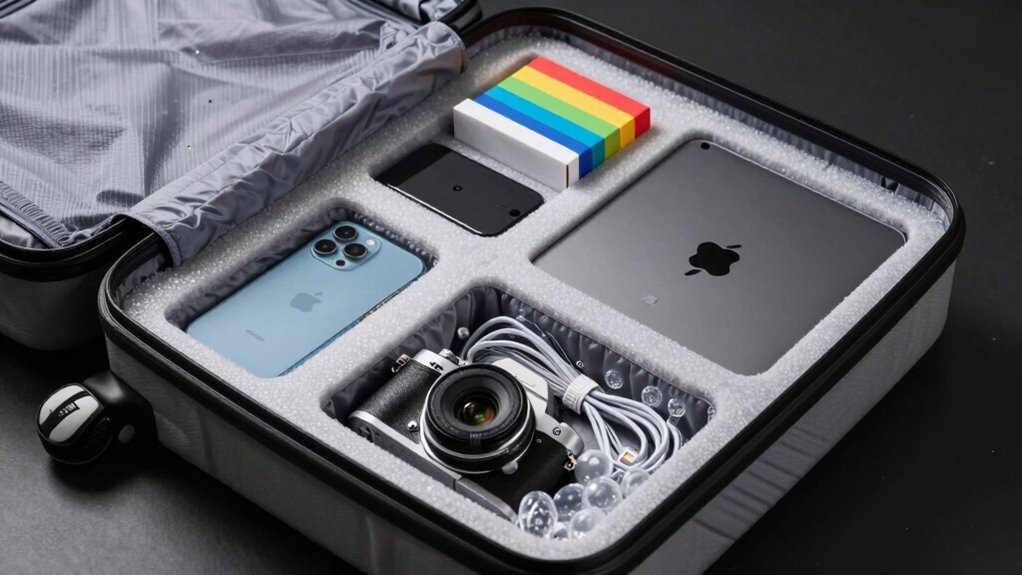

To pack electronics safely for flights, start by disconnecting devices, removing batteries if possible, and backing up data. Use padded cases, bubble wrap, or foam inserts to cushion fragile items, and place each gadget in individual compartments or padded pouches. Organize cables with ties or organizers and store all accessories securely. Always follow airline and TSA rules, especially for batteries. Keeping these tips in mind helps prevent damage—learn more tips to travel confidently with your electronics.
Key Takeaways
- Use padded cases, bubble wrap, or foam inserts to cushion devices and prevent impact damage.
- Pack electronics in individual compartments or padded pouches to avoid scratches and movement.
- Secure cables with Velcro straps or twist ties to prevent tangling and strain during transit.
- Keep fragile items in carry-on luggage for better control and reduced risk of damage.
- Remove batteries when possible, and store them properly to prevent leaks and short circuits.
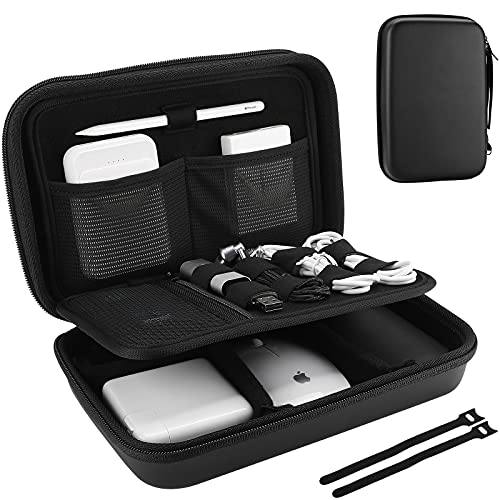
ProCase Hard Travel Electronic Organizer Case for MacBook Power Adapter Chargers Cables Power Bank Apple Magic Mouse Apple Pencil USB Flash Disk SD Card Small Portable Accessories Bag -Black, L
Large Capacity: Portable hard EVA carrying case for organizing small electronics accessories, like MacBoook charger, cables, power bank,…
As an affiliate, we earn on qualifying purchases.
As an affiliate, we earn on qualifying purchases.
What Makes Your Electronics Fragile and How to Know
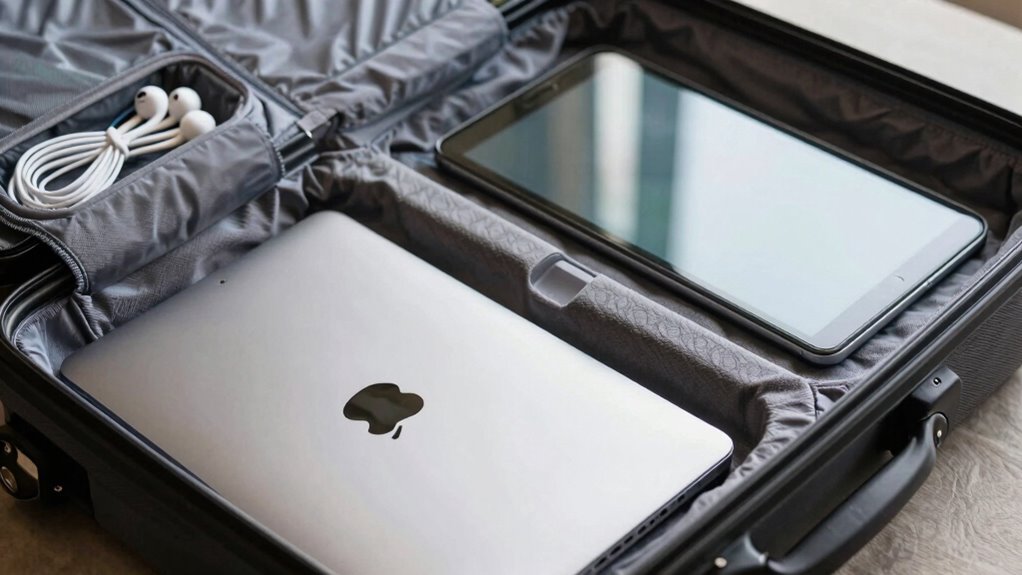
Electronics are fragile because they contain delicate components like screens, circuit boards, and batteries that can easily break or get damaged. Fragility factors vary depending on the device, but common issues include thin glass, sensitive circuits, and fragile connectors. Damage indicators help you recognize when your device has been compromised, such as cracks, loose parts, or unusual screen behavior. Recognizing these signs is vital because even minor impacts can cause internal damage that isn’t immediately visible. For example, a small crack might seem superficial but could lead to further problems down the line. Understanding fragility factors and damage indicators guarantees you handle your electronics carefully, reducing the risk of costly repairs or replacements during travel. Additionally, being aware of device vulnerabilities can help you take preventative measures to protect your gadgets. Being familiar with Damage indicators also allows you to identify issues early before they worsen, ensuring your electronics remain safe during transit. Proper packing techniques can further mitigate risks associated with fragile components during flights, helping preserve their integrity. Moreover, knowing how internal damage might manifest even without external signs enables you to assess your devices more effectively after travel. Recognizing the specific internal damage signs can help you determine whether repairs are needed before using the device again.

U-Haul Enviro-Bubble – Bulk Roll 250' of Small Bubble Padding & Protection for Fragile Decor, Dishes, Glassware, Frames, & More- 1 Roll
The 250’ Small Bubble Enviro-Bubble Bulk Roll is 100% recyclable and reusable. Use it to protect, wrap, isolate,…
As an affiliate, we earn on qualifying purchases.
As an affiliate, we earn on qualifying purchases.
How to Prepare Your Devices to Prevent Damage

Start by safeguarding your cables and chargers with proper wrapping to prevent bending or tearing. Use sturdy packing materials like foam or padded sleeves to cushion your devices and avoid impact damage. Taking these steps ensures your electronics stay safe during your flight. Additionally, utilizing enterprise USB backups can help securely store your important data in case of device damage or loss. Incorporating lightweight packing materials can further reduce the overall weight and risk of damage during transit. Implementing shock-absorbing packing techniques further minimizes the risk of damage from rough handling or sudden impacts during transit, especially considering the history of fragile electronics during travel.
Protect Cables and Chargers
To prevent damage during travel, it’s essential to carefully protect your cables and chargers. Proper cable management keeps cords tangle-free and reduces strain, preventing frays or breaks. Use small pouches or cable organizers to keep chargers organized and accessible. Wrap cables neatly with Velcro straps or twist ties to avoid knots and tangles. For added protection, place fragile chargers in padded compartments or wrap them in soft cloths. Additionally, understanding the symbolism of clocks and time can remind you to organize your travel essentials efficiently and avoid last-minute stress. Proper preparation can also include understanding the importance of device safety during transit to ensure your electronics remain in good condition. Being aware of digital content concepts can help you better organize and safeguard your devices throughout your journey. Incorporating minimalist packing strategies can further streamline your luggage, making it easier to access what you need quickly. Here’s a quick guide:
| Item | Packing Tip | Purpose |
|---|---|---|
| Charging Cables | Use cable organizers | Prevent tangling |
| Power Adapters | Wrap in soft cloth | Avoid breakage |
| Portable Chargers | Store in padded pockets | Protect from impacts |
| Earbuds | Use small pouches | Prevent damage and loss |
Use Proper Packing Materials
Protecting your devices during travel begins with choosing the right packing materials. Use padded cases or sturdy sleeves to cushion your electronics from shocks. Wrap fragile items like tablets and smartphones with screen protectors to prevent scratches and cracks. Consider placing devices in individual compartments or small padded pouches to avoid contact and reduce movement. For added protection, use bubble wrap or foam inserts around power adapters and chargers to prevent damage. Avoid cheap or flimsy bags that don’t absorb impact. Proper packing materials help distribute pressure evenly and safeguard delicate screens, ports, and internal components. Additionally, selecting impact-resistant storage options can significantly reduce the risk of damage during transit. Using properly labeled containers can also help ensure careful handling and reduce mishandling risks. Investing in shock-absorbing packing materials further minimizes the chance of damage during bumps or drops. Being aware of device vulnerabilities and handling your electronics with care can make a big difference. Incorporating air-ride features in your luggage can cushion against sudden shocks and vibrations. By investing in quality, protective gear, you minimize the risk of damage and ensure your electronics arrive in perfect condition.
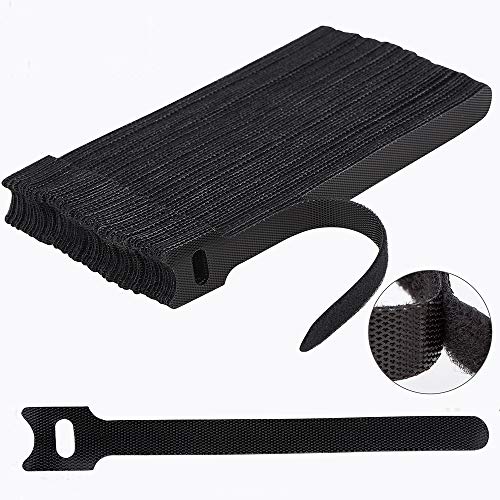
Nettbe 60 PCS 6 Inches Reusable Cable Ties, Adjustable Cord Straps Wire Organizer Cord Wrap and Hook Loop Cable Management
Reusable cable ties are made from premium nylon adhesive materials can be environmentally used multiple times
As an affiliate, we earn on qualifying purchases.
As an affiliate, we earn on qualifying purchases.
Choosing the Best Packing Materials for Electronics
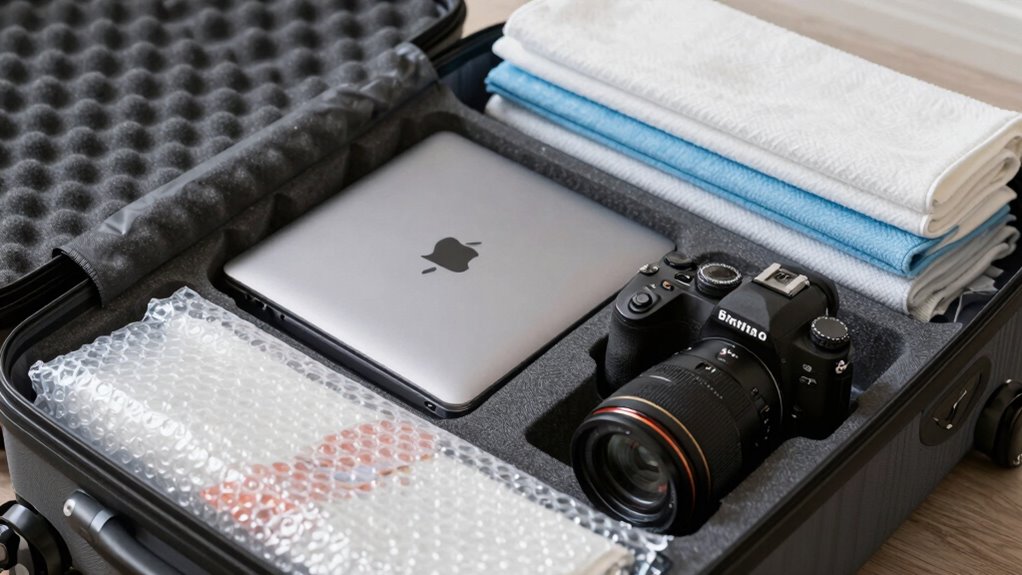
Choosing the right packing materials is essential to keep your electronics safe during flights. You want materials that provide adequate cushioning, prevent moisture damage, and promote battery safety. Proper padding absorbs shocks and protects delicate components from impacts. Moisture-resistant materials shield your devices from humidity and spills, which can cause corrosion or failure. Using anti-static wraps or foam inserts helps prevent static damage, especially for sensitive electronics. Look for containers with tight seals to maintain moisture protection and ensure batteries are stored safely to avoid short circuits. Additionally, selecting antistatic materials can significantly reduce the risk of static discharge damaging your devices. Proper packing techniques are crucial for minimizing damage risks during transit. Incorporating shock-absorbing materials further enhances protection against impacts and vibrations during handling. Using quality packing supplies reduces the likelihood of damage or malfunction during transit. Also, choosing moisture-proof containers ensures your electronics stay dry even in humid or unexpected spill situations. With the right materials, your electronics stay secure, dry, and ready to use upon arrival.
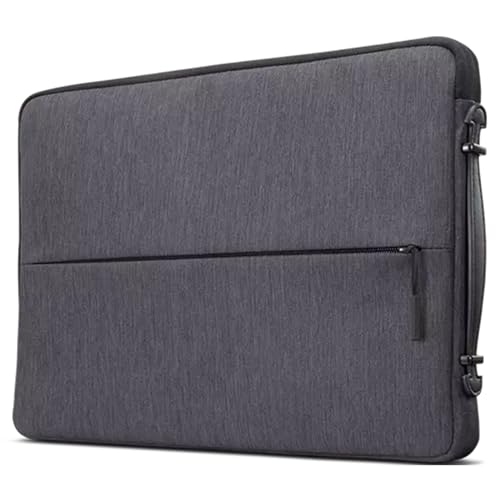
Lenovo Urban Laptop Sleeve 13 Inch for Laptop/ Notebook/Tablet Compatible with MacBook Air/Pro Water Resistant – Charcoal Grey
Durable and Water-Resistant Design: Crafted from high-quality polyester, our Urban Sleeve provides superior durability and excellent water resistance,…
As an affiliate, we earn on qualifying purchases.
As an affiliate, we earn on qualifying purchases.
How to Pack Laptops, Cameras, and Small Gadgets in Your Carry-On
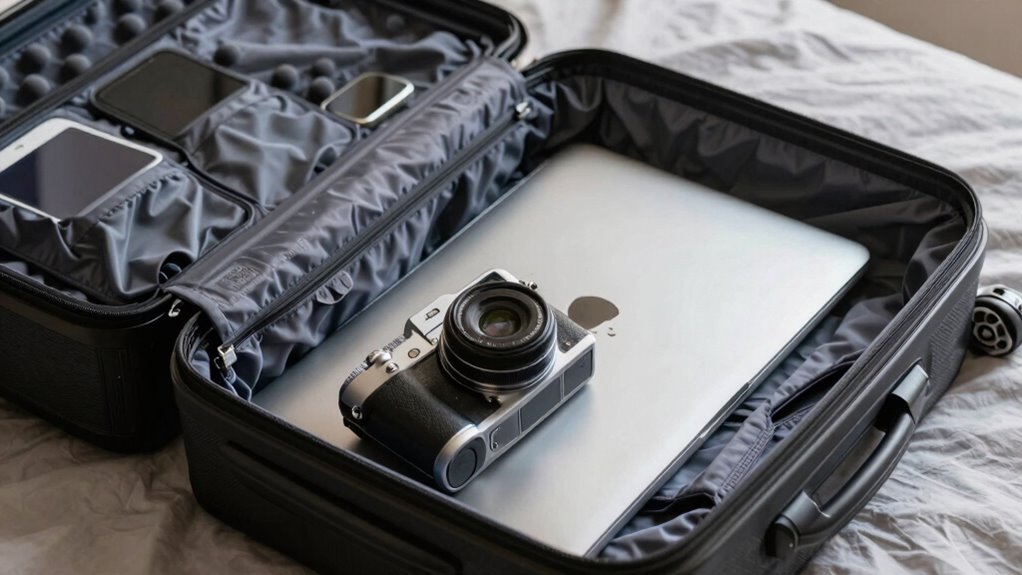
To safeguard your electronics during travel, use dedicated protective cases that absorb shocks and prevent damage. Pack your devices vertically to maximize space and reduce pressure on fragile parts. Keep accessories organized in small pouches or compartments to avoid tangling and ensure easy access. Incorporating DIY beauty secrets such as using soft cloths or repurposed materials can also help cushion delicate gadgets during transit. Additionally, choosing shock-absorbing cases designed specifically for electronics offers extra protection against rough handling. Using DIY padding techniques like foam inserts or layered fabrics can further enhance your device’s safety. Being aware of heat buildup within your luggage and avoiding overpacking can help prevent overheating of sensitive devices during flights. Implementing proper packing methods ensures your electronics are well-protected throughout your journey.
Use Protective Cases
When packing your electronics, placing laptops, cameras, and small gadgets in protective cases is essential to prevent damage during travel. Using sturdy cases enhances device durability and supports effective packing techniques. These cases absorb shocks and prevent scratches, keeping your gadgets safe in transit. Choose cases with padded interiors and secure closures to add extra protection. Properly fitted cases also make stacking and organizing easier, reducing the risk of accidental damage. Remember, investing in good protective cases isn’t just about convenience; it’s about preserving your electronics’ longevity. Well-chosen cases streamline packing and give you peace of mind during your journey. Additionally, selecting appropriate cases can help meet airline regulations and facilitate security checks. Keep your devices safe and ready to use, no matter how bumpy the flight gets.
- Padded interior for shock absorption
- Secure zipper or latch closures
- Compact, lightweight design
- Material resistant to scratches
Pack Electronics Vertically
Ever wonder how to maximize space and protect your electronics during travel? Packing devices vertically is a smart strategy to optimize device storage and reduce the risk of damage. Place laptops, tablets, and small gadgets upright, using padded compartments or soft sleeves to cushion them. This orientation minimizes pressure on screens and delicate components. Remember to disconnect and manage power efficiently before packing—power management ensures batteries aren’t overtaxed and reduces the risk of leaks or overheating. Keep devices upright and separate from heavier items to prevent crushing or bending. By packing vertically, you make the most of your carry-on space while keeping your electronics safe. This method also makes it easier to remove devices quickly during security checks without unnecessary fumbling.
Keep Accessories Organized
Organizing your accessories is key to keeping your carry-on tidy and protecting your electronics during travel. Proper accessory labeling ensures you can quickly find chargers, adapters, and small gadgets without digging through your bag. Use small, clear pouches or compartmentalized cases to keep items separated, preventing damage and mix-ups. Regular gadget maintenance, like wiping screens and checking cables, helps prevent issues during your trip. Label each accessory with a brief tag or color code to streamline security checks and reassembly. Keep essentials like batteries, SD cards, and adapters in dedicated containers to avoid loss. This organized approach reduces stress, minimizes the risk of damage, and makes your travel experience smoother. Staying tidy with your accessories guarantees your electronics stay safe and ready to use.
Protect Your Devices With Cases and Padding for Shock Absorption
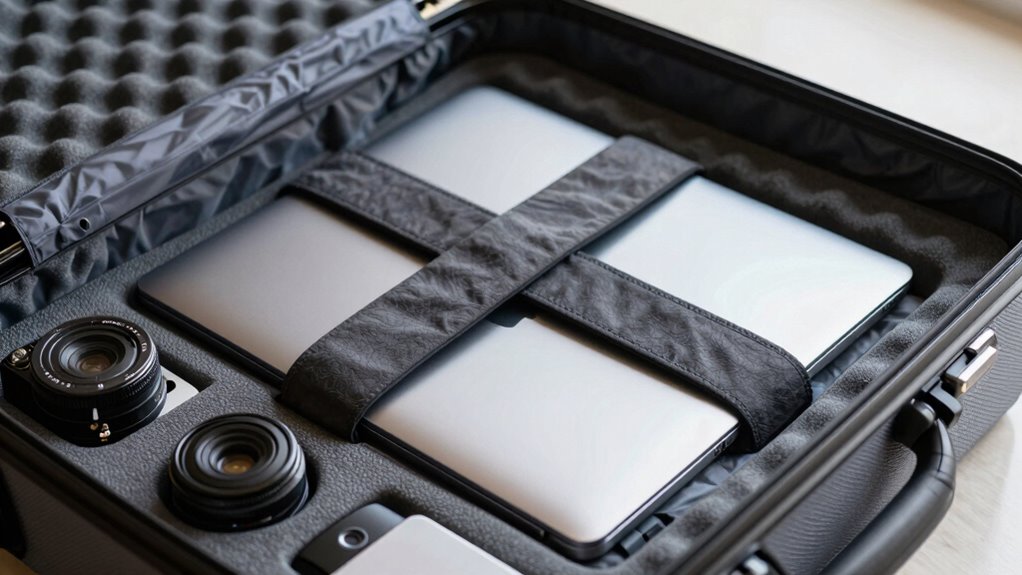
Using cases and padding is essential to protect your electronics from shocks and impacts during travel. Proper padding enhances device durability by absorbing jolts that can cause internal damage. Choose sturdy, well-cushioned cases designed specifically for your devices, like laptops, tablets, or cameras. Foam inserts, bubble wrap, or soft cloths provide additional shock absorption, preventing sudden bumps from reaching sensitive components. Secure your devices snugly within their cases to minimize movement, which can lead to scratches or broken parts. Remember, even a small impact can compromise your device’s functionality, so investing in quality protection is worth it. By prioritizing shock absorption and device durability, you ensure your electronics arrive intact and ready to use after your flight.
Organizing Cables and Accessories to Avoid Breakage
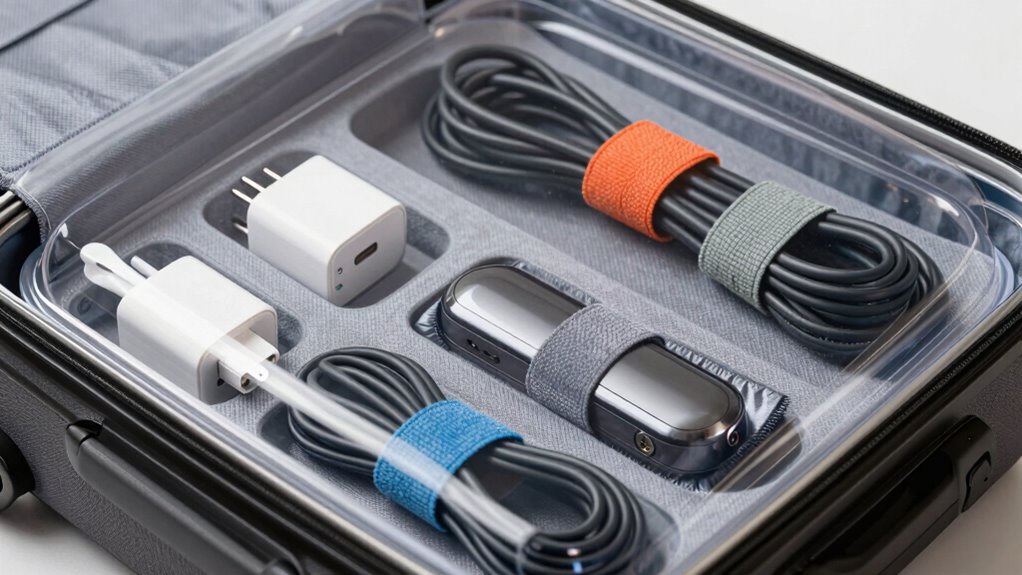
To prevent cables and accessories from breaking during travel, maintaining their organization and ensuring they are properly protected is vital. Good cable management reduces tangling and stress on connectors, while proper accessory organization prevents items from shifting and getting damaged. Use small pouches or zippered bags to keep cords, chargers, and adapters separate. Wrap cables neatly with Velcro straps or twist ties to avoid unnecessary strain. Labeling accessories helps you find what you need quickly without rummaging through your luggage. Consider using dedicated electronic organizer cases with compartments for different items. This keeps everything secure and easily accessible, reducing the risk of breakage. Proper organization not only protects your gear but also saves time and hassle during your trip.
What You Need to Know About Airline and TSA Rules for Electronics
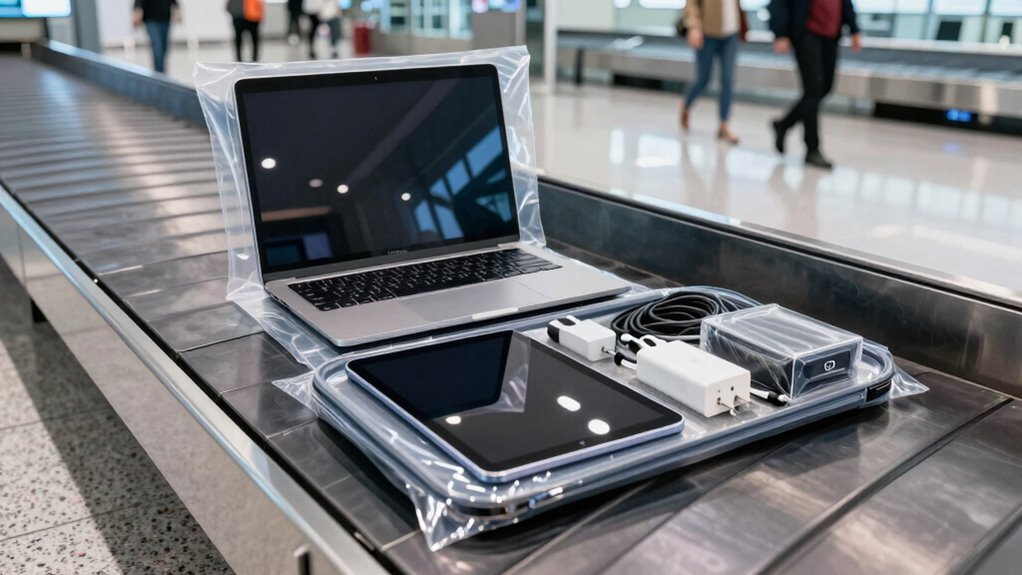
When packing your electronics, it’s just as important to understand airline and TSA rules to guarantee smooth security checks and boarding. Battery safety is a top priority; lithium-ion batteries must be carried in your hand luggage and not checked. Make sure devices are easily accessible for TSA screening, as you’ll need to remove laptops, tablets, and large electronics from your bag. Follow guidelines on the size and quantity of batteries allowed, and avoid packing damaged or swollen batteries. TSA officers may ask you to power on devices to verify they’re functioning properly. Being aware of these rules helps prevent delays or confiscation of your electronics. Always check airline-specific policies before flying, as regulations can vary. Staying informed ensures a hassle-free security process.
Tips for Packing Electronics in Checked Luggage When Needed
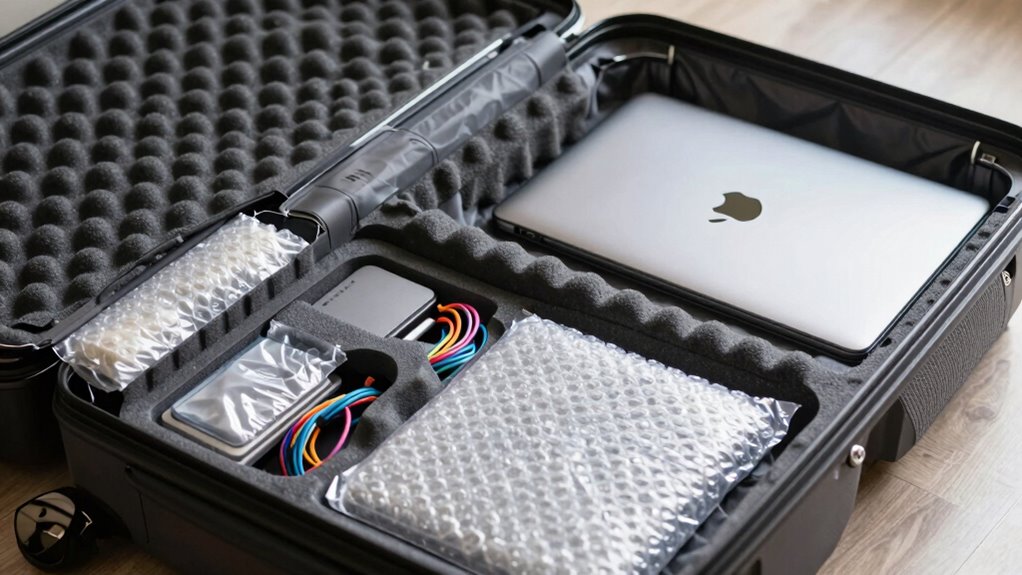
Although it’s generally recommended to keep electronics in your carry-on, sometimes packing them in checked luggage is unavoidable, especially for larger devices or extra equipment. To protect your electronics, verify batteries are stored safely to prevent potential fire hazards and adhere to airline regulations for battery safety. Wrap devices in clothing or bubble wrap to cushion against impacts and prevent damage. To reduce electromagnetic interference, turn off devices and disconnect batteries if possible. Use sturdy, padded cases to keep items secure and avoid crushing. Label sensitive electronics clearly. Also, consider packing chargers and accessories separately to prevent tangling and damage during transit. These precautions help safeguard your electronics and ensure they arrive in working condition despite being in checked luggage.
Final Checks and Best Practices for Traveling With Electronics

Before heading to the airport, double-check that all your electronics are packed correctly and ready for travel. Ensure batteries are installed securely, and consider removing or disconnecting removable batteries for added safety. Confirm that all devices are turned off and stored in a way that prevents accidental activation. Check that your power adapters are packed in accessible compartments for easy security screening. Prioritize battery safety by avoiding damaged or swollen batteries, which should be replaced or transported as hazardous materials if necessary. Make sure charging cables and adapters are neatly coiled and protected from damage. Lastly, verify that your electronics meet airline regulations, especially for lithium batteries, to prevent delays or confiscation. Following these best practices keeps your devices safe and your journey hassle-free.
Frequently Asked Questions
How Can I Identify Which Electronics Are Most Vulnerable During Travel?
You can identify which electronics are most vulnerable during travel by checking for fragile devices like tablets, cameras, and laptops. These items often need extra protection because they have delicate screens or components. Always look for protective cases or padded sleeves, especially for fragile devices. If an electronic item feels lightweight or has a fragile screen, treat it as vulnerable and pack it carefully to prevent damage during your trip.
Are There Specific Brands or Models That Are More Durable for Flights?
Think of electronics as your travel companions—some are built tougher than others. Brands like OtterBox, Garmin, and ASUS often have higher durability ratings and excel in brand comparisons for ruggedness. These models are designed to withstand bumps and shocks during flights. When choosing, look for devices with reinforced exteriors, water resistance, and solid build quality. Investing in these guarantees your gadgets survive the journey unscathed, giving you peace of mind.
What Are the Best Practices for Securing Electronics in Different Climates or Altitudes?
To secure electronics in varying climates or altitudes, always use protective cases designed for climate considerations, such as waterproof or insulated options. You should also pack them in padded compartments to cushion against shocks and temperature changes. Avoid exposing your devices to extreme heat, cold, or humidity. Regularly check your protective cases for any damage, and consider adding silica gel packs to control moisture, ensuring your electronics stay safe throughout your journey.
How Do I Handle Electronics With Removable Batteries When Packing?
When packing electronics with removable batteries, always remove the batteries first for safety. Wrap the batteries in anti-static or padded material to prevent short circuits or damage. Use a dedicated compartment or small pouch to keep batteries separate from the device. Follow packing precautions by avoiding extreme temperatures and ensuring the batteries are not loose. This way, you minimize risks and protect your electronics during travel.
What Should I Do if My Electronic Device Gets Damaged During a Flight?
If your electronic device gets damaged during a flight, first assess the damage carefully. Document the issue with photos, then contact your travel insurance to file a claim if eligible. For minor damage, try repair tips like cleaning ports or resetting the device. If the damage is severe, consider professional repair options. Keep all receipts and evidence to support your claim, and stay calm while resolving the issue.
Conclusion
Traveling with electronics doesn’t have to be stressful. By following these tips, you’ll reduce the risk of damage and keep your devices safe. Did you know that 60% of electronics damage occurs during transit? Staying organized, using proper padding, and respecting airline rules can make all the difference. Pack confidently, and enjoy your trip knowing your tech is protected every step of the way. Safe travels!