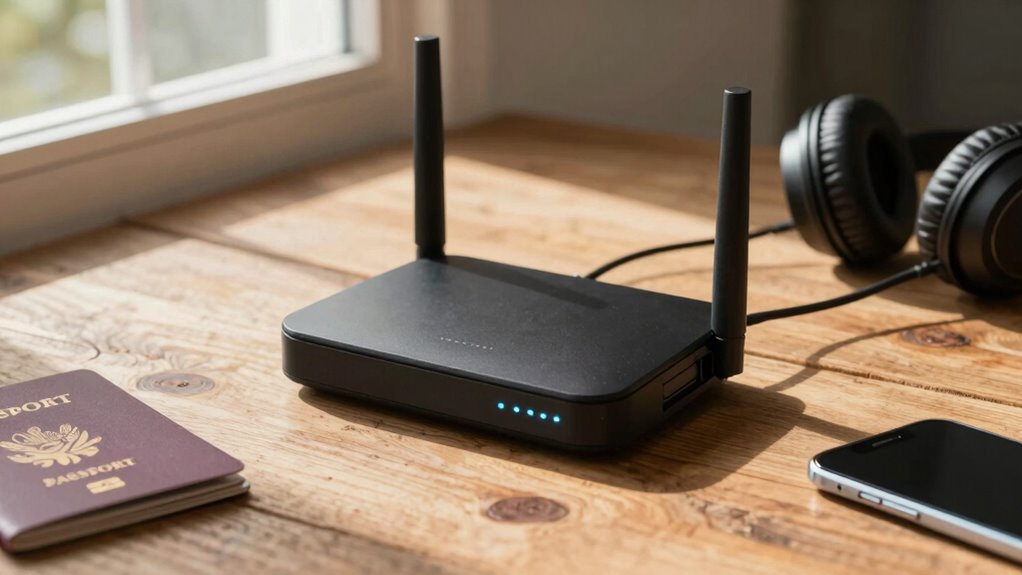

A travel router boosts your privacy by creating a secure, encrypted Wi-Fi network wherever you go, protecting your data on public hotspots. It supports strong encryption protocols like WPA3, VPN passthrough, and firewalls to keep hackers at bay. With a travel router, you can connect multiple devices safely and confidently while traveling. Want practical tips on choosing, setting up, and maximizing your privacy? Keep exploring—you’re about to learn how to stay secure on the go.
Key Takeaways
- Travel routers create secure, encrypted Wi-Fi networks, protecting your data on public or unsecured networks.
- They support VPN passthrough and encryption protocols like WPA3 to safeguard online activities.
- Regular firmware updates and strong passwords enhance device security and privacy during travel.
- Network segmentation and access controls prevent unauthorized access to connected devices.
- Using a travel router with VPN capabilities ensures private, encrypted internet connections on the go.

GL.iNet GL-BE3600 (Slate 7) Portable Travel Router, Pocket Dual-Band Wi-Fi 7, 2.5G Router, Portable VPN Routers WiFi for Travel, Public Computer Routers, Business Trip, Mobile/RV/Cruise/Plane
【DUAL BAND WIFI 7 TRAVEL ROUTER】Products with US, UK, EU, AU Plug; Dual band network with wireless speed…
As an affiliate, we earn on qualifying purchases.
As an affiliate, we earn on qualifying purchases.
What Are Travel Routers and How Do They Work?
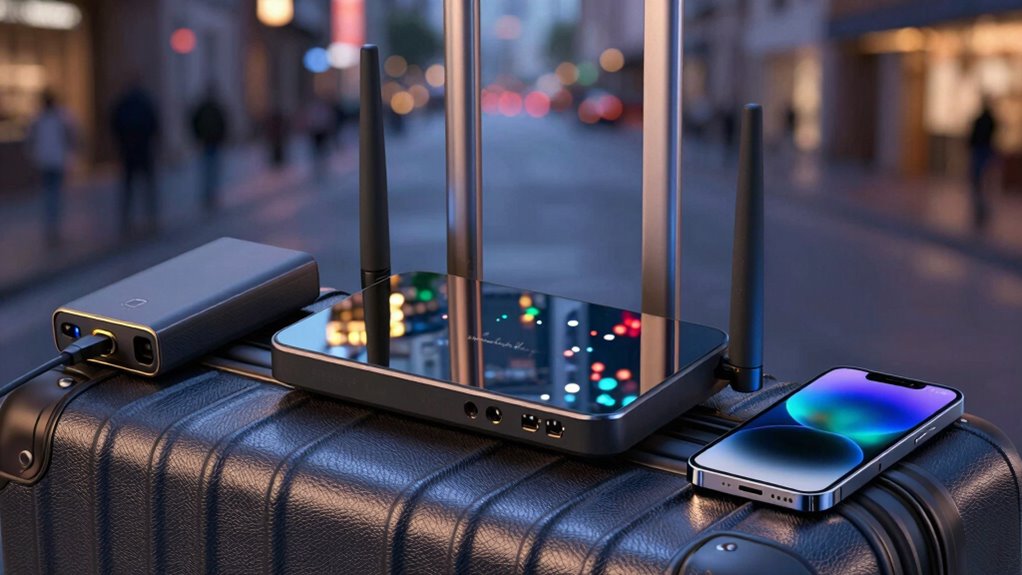
Travel routers are compact devices designed to provide reliable internet access on the go. They act as portable hubs, connecting to Wi-Fi networks or cellular data and creating a secure Wi-Fi signal for your devices. When setting up your travel router, you’ll need to configure its privacy settings to protect your data. Many routers include built-in features to enhance wireless security, such as encryption protocols and firewalls. These settings help prevent unauthorized access and ensure your browsing remains private. By using a travel router, you can create a personal, encrypted network even on public Wi-Fi, reducing risks of hacking or eavesdropping. Understanding how your device works and adjusting privacy settings accordingly is key to maintaining safe, reliable internet wherever you travel. Additionally, selecting a router with high security features can further safeguard your connection from potential threats, especially since these devices often utilize encryption protocols to protect your data. Being aware of wireless security measures can help you choose the most effective device for your needs. Knowing how to manage network encryption can also boost your overall online privacy while traveling.
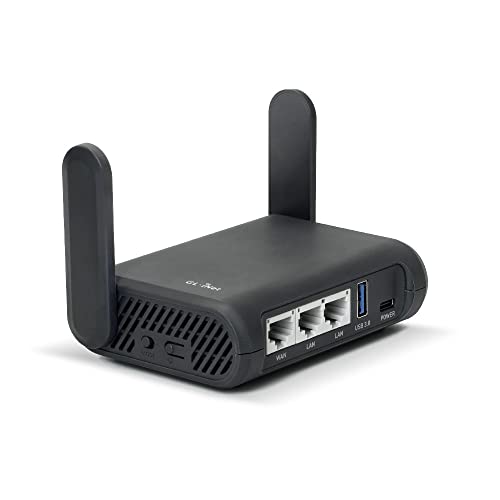
GL.iNet GL-A1300 Pocket VPN Travel Router – Portable Wi-Fi Router for Travel, Easy to Set up, Connect to Public & Hotel Wi-Fi login Page
【DUAL BAND AC WIRELESS ROUTER】 Dual band network with wireless speed 400Mbps(2.4G)+867Mbps(5G), Tethering Compatible. A highly stable and…
As an affiliate, we earn on qualifying purchases.
As an affiliate, we earn on qualifying purchases.
What Features Make a Travel Router Secure and Private?
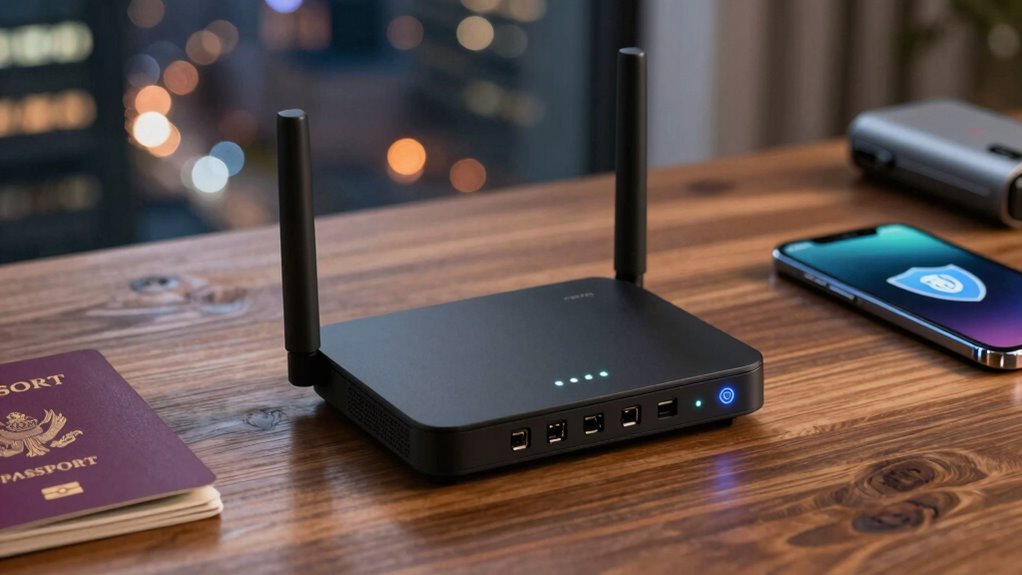
What features guarantee your travel router keeps your connection secure and your data private? First, look for strong encryption protocols like WPA3, which protect your network from outsiders. Second, a VPN passthrough feature ensures your traffic remains encrypted even when connecting to public Wi-Fi. Third, reliable device compatibility allows seamless setup across your devices without compromising security or speed. Prioritizing network speed is essential for smooth browsing and streaming, so choose a router that supports high-speed standards. Additionally, secure firmware updates help patch vulnerabilities and keep your device safe. To put it plainly, key features include: a crucial security feature such as robust encryption methods, VPN passthrough capability, and compatibility with multiple devices and standards. Ensuring your router supports software quality assurance through regular updates helps maintain security and performance over time. Incorporating security best practices into your setup further enhances your privacy and data protection. Moreover, selecting a router with trusted manufacturer reputation can provide added confidence in ongoing support and security updates. Since many vulnerabilities stem from outdated firmware, choosing a device with automatic update support can further safeguard your connection.

TP-Link Roam 6 AX1500 Portable Wi-Fi 6 Travel Router | Easy Public WiFi Sharing | Hotel/RV/Travel Approved | Phone WiFi Tether | USB C Powered | Multi-Mode | Tether App | Durable Design | TL-WR1502X
𝐑𝐨𝐚𝐦 𝟔 𝐀𝐗𝟏𝟓𝟎𝟎 𝐃𝐮𝐚𝐥-𝐁𝐚𝐧𝐝 𝐓𝐫𝐚𝐯𝐞𝐥 𝐑𝐨𝐮𝐭𝐞𝐫 – Delivers fast Wi-Fi 6 speeds (1201 Mbps on 5 GHz, 300…
As an affiliate, we earn on qualifying purchases.
As an affiliate, we earn on qualifying purchases.
Why Do Travel Routers Improve Your Privacy on Public Wi-Fi?
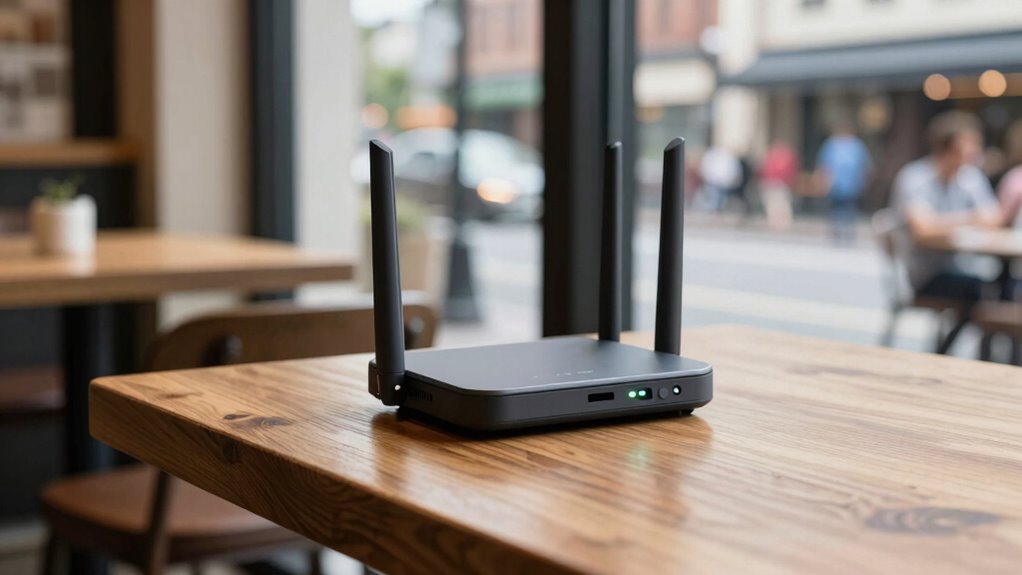
Travel routers create a secure connection between your device and the internet, shielding your data from prying eyes. They also encrypt your data, making it much harder for others to intercept or read your information. This combination considerably boosts your privacy when using public Wi-Fi networks. Additionally, many travel routers include privacy features that help manage your online footprint and further protect your personal information. Incorporating cybersecurity strategies such as regular firmware updates can help prevent vulnerabilities and enhance your overall privacy. Understanding network encryption protocols can further strengthen your defenses against potential threats. Familiarizing yourself with encryption standards is essential for maintaining robust security. Exploring regional cultural activities can also provide unique insights into local customs, enriching your travel experience.
Secure Connection Enhancement
Public Wi-Fi networks often lack proper security measures, making your data vulnerable to hackers and eavesdroppers. Travel routers enhance your connection security by creating a private network, reducing exposure. They support VPN integration, allowing you to connect securely to a remote server, encrypting your online activity. Additionally, travel routers improve device compatibility, ensuring all your devices can connect through a single, secure network. This simplifies managing multiple gadgets and keeps your data protected across everything from smartphones to laptops. By establishing a secure connection, travel routers prevent unauthorized access and safeguard sensitive information during your travels. In essence, they turn risky public Wi-Fi into a safer, private space, giving you peace of mind wherever you go.
Data Encryption Benefits
When you connect to a public Wi-Fi network, your data is often vulnerable to interception by hackers or malicious actors. Travel routers enhance your data privacy by encrypting your internet traffic, making it much harder for anyone to eavesdrop. With built-in VPN security features, they create a secure tunnel for your data, ensuring sensitive information stays private. This encryption safeguards passwords, personal details, and financial data from potential breaches. Without a travel router, your device alone relies on the network’s security, which is often weak or compromised. By using a travel router, you add an extra layer of protection, making your online activities more secure and private. This proactive approach is essential for anyone wanting to maintain control over their data in public spaces. Additionally, understanding the importance of Free Floating concepts can help you better appreciate the value of secure networking solutions. Furthermore, the use of encryption protocols in travel routers ensures a higher level of security for your online activities.
TP-Link Roam 6 AX1500 Portable Wi-Fi 6 Travel Router | Easy Public WiFi Sharing | Hotel/RV/Travel Approved | Phone WiFi Tether | USB C Powered | Multi-Mode | Tether App | Durable Design | TL-WR1502X
𝐑𝐨𝐚𝐦 𝟔 𝐀𝐗𝟏𝟓𝟎𝟎 𝐃𝐮𝐚𝐥-𝐁𝐚𝐧𝐝 𝐓𝐫𝐚𝐯𝐞𝐥 𝐑𝐨𝐮𝐭𝐞𝐫 – Delivers fast Wi-Fi 6 speeds (1201 Mbps on 5 GHz, 300…
As an affiliate, we earn on qualifying purchases.
As an affiliate, we earn on qualifying purchases.
How to Set Up Your Travel Router in Simple Steps
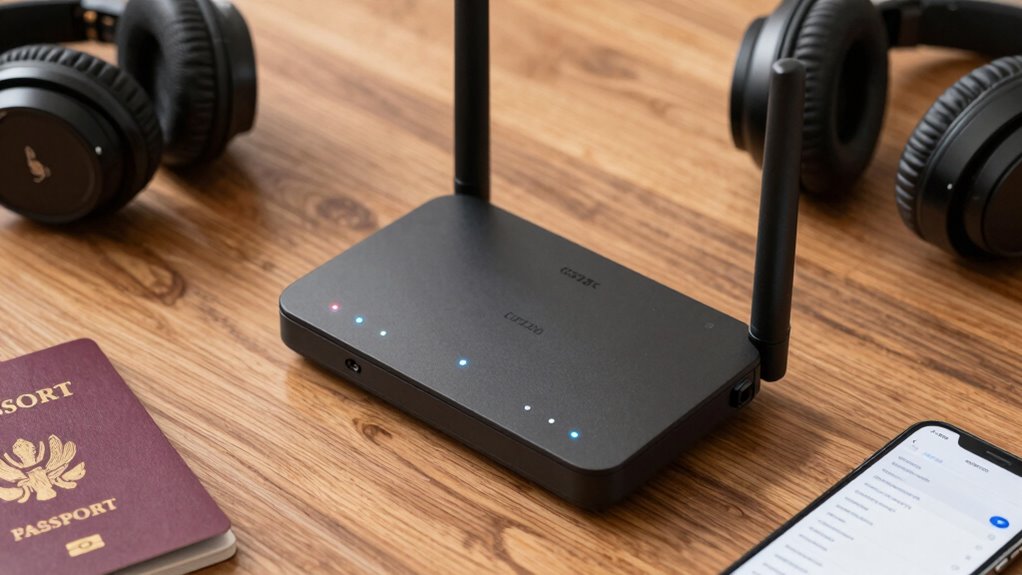
Setting up your travel router is straightforward if you follow a few simple steps. First, confirm your device is compatible with the router’s setup process and check its power requirements to avoid issues. Next, connect the router to a power source and turn it on. Use your device’s Wi-Fi settings to find the router’s network and connect to it. Access the configuration page via a browser, usually by entering the router’s IP address. From there, you can customize your network name and password. Keep these key points in mind:
- Verify device compatibility before starting
- Ensure the power requirements match your power source
- Follow the setup instructions provided in the user manual or online guide
- Understanding network security can help you choose the best settings to protect your information while traveling. Additionally, being aware of sustainable fabric care practices can help reduce your environmental impact during your travels, such as choosing eco-friendly textiles and proper fabric maintenance. Also, reviewing the power consumption specifications of your device can help you optimize energy use and extend battery life during your trip. To further enhance your setup, consider wireless interference factors that could affect your connection quality on the go.
With these steps, your travel router will be ready to secure your connection on the go.
How Do Travel Routers Protect Your Data on Public Networks?
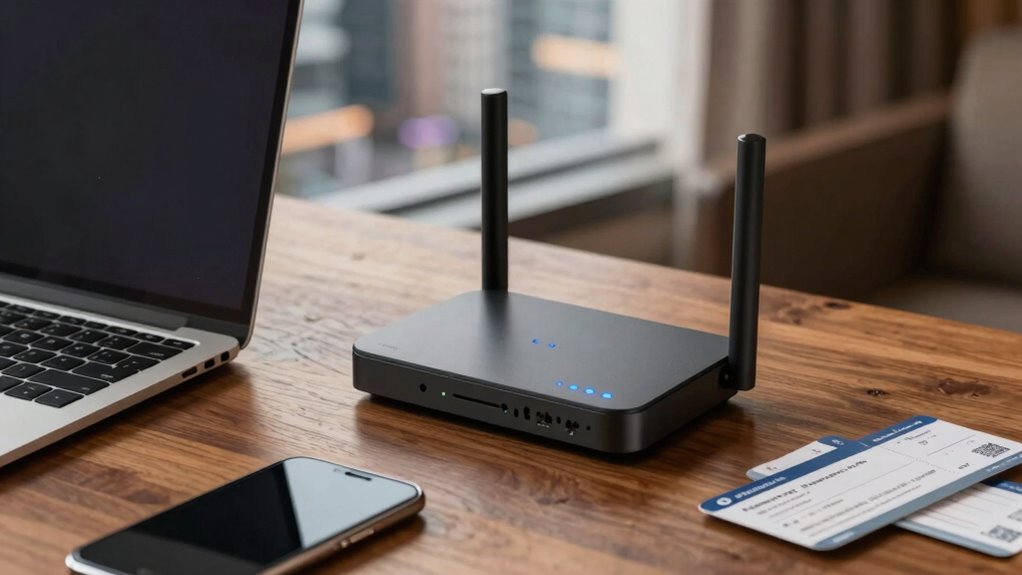
Travel routers protect your data on public networks by using strong data encryption standards that keep your information safe. They also create segmented network access, so your devices stay isolated from other users. Additionally, secure Wi-Fi connections ensure your data isn’t easily intercepted by outsiders. Incorporating proper form techniques further enhances your security by reducing vulnerabilities during data transmission. Implementing network segmentation can also prevent unauthorized access to your devices and sensitive information. Following extension cord standards can help ensure your power setup remains safe and reliable during travel. Moreover, understanding electric power generation with bike generators can be useful when planning for off-grid charging options during your trip. Being aware of security protocols helps you stay ahead of potential threats and protect your data more effectively.
Data Encryption Standards
Have you ever wondered how travel routers keep your data safe on public Wi-Fi networks? They use robust data encryption standards to protect your information from eavesdroppers. These standards rely on advanced encryption protocols that scramble your data, making it unreadable to outsiders. Travel routers typically support various wireless standards, ensuring compatibility and security. Additionally, some models incorporate long-term content structures that enhance security features over time. Key encryption features include:
- Use of WPA3 and WPA2 protocols for secure wireless connections
- Implementation of AES encryption for data confidentiality
- Regular firmware updates to maintain encryption integrity
Enhanced security also involves encryption algorithm updates that respond to emerging vulnerabilities, ensuring your data remains safeguarded in a constantly evolving security landscape. Staying informed about encryption standards helps users understand how their data stays protected during their travels.
Segmented Network Access
Segmentation of your network is a key strategy travel routers use to shield your data from potential threats on public Wi-Fi. By implementing network segmentation, your router creates separate virtual networks, isolating your devices from each other and from malicious actors. This approach ensures that if one device is compromised, the attacker cannot access others or sensitive information. Access control further enhances security by allowing you to set permissions for each device, limiting their communication and data sharing capabilities. This layered protection minimizes the risk of data leaks and unauthorized access. With segmented network access, your travel router effectively isolates your personal data, making it much harder for hackers to exploit vulnerabilities on shared public networks.
Secure Wi-Fi Connections
When connecting to public Wi-Fi networks, your travel router actively safeguards your data by encrypting your internet traffic. It creates a secure tunnel, preventing hackers from intercepting sensitive information. Many travel routers offer VPN integration, which adds an extra layer of security by routing your traffic through a private server. Additionally, they include firewall protection to block malicious attacks and unauthorized access. This combination ensures your data remains private even on unsecured networks. To maximize security, your travel router:
- Encrypts your Wi-Fi connection with built-in security protocols
- Integrates VPN services for private browsing
- Uses firewall protection to prevent intrusions
These features work together to keep your online activity safe from prying eyes on public networks.
Which Travel Router Models Are Best for Privacy and Security?
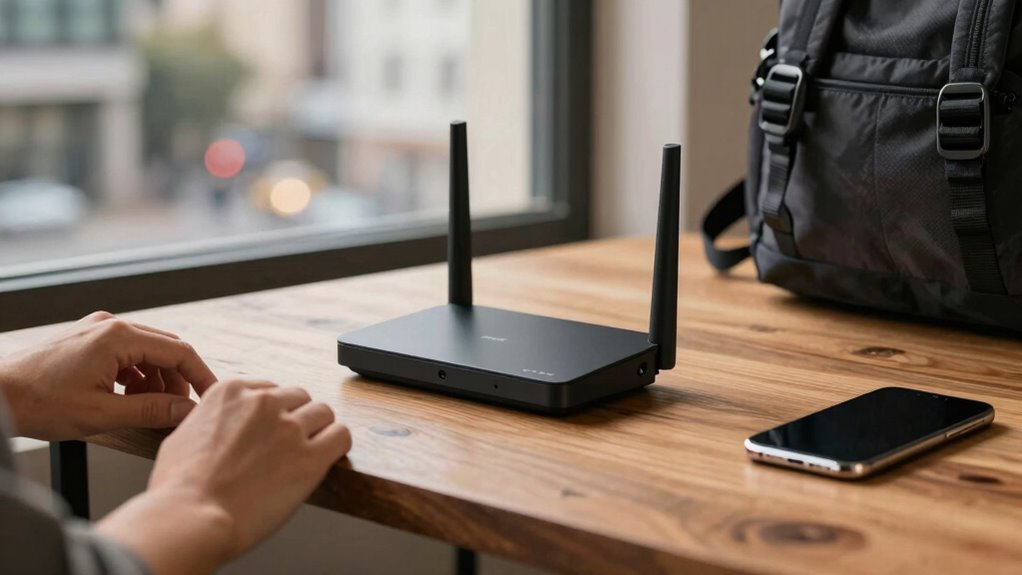
Choosing the right travel router for privacy and security means prioritizing models with robust encryption, regular firmware updates, and advanced security features. Look for routers that support VPN compatibility to encrypt your traffic easily, ensuring your data stays private on public Wi-Fi. Firmware updates are essential, as they patch vulnerabilities and enhance security. The best models also include features like firewalls and multi-user VPN support. Here’s a quick comparison:
| Model | VPN Compatibility | Firmware Updates |
|---|---|---|
| Asus RT-AX88U | Yes | Regular |
| Netgear Nighthawk | Yes | Frequent |
| TP-Link Archer C7 | No | Occasional |
| Linksys Velop | Yes | Regular |
Choose wisely to keep your data safe wherever you travel.
Troubleshooting Common Travel Router Issues During Your Trips
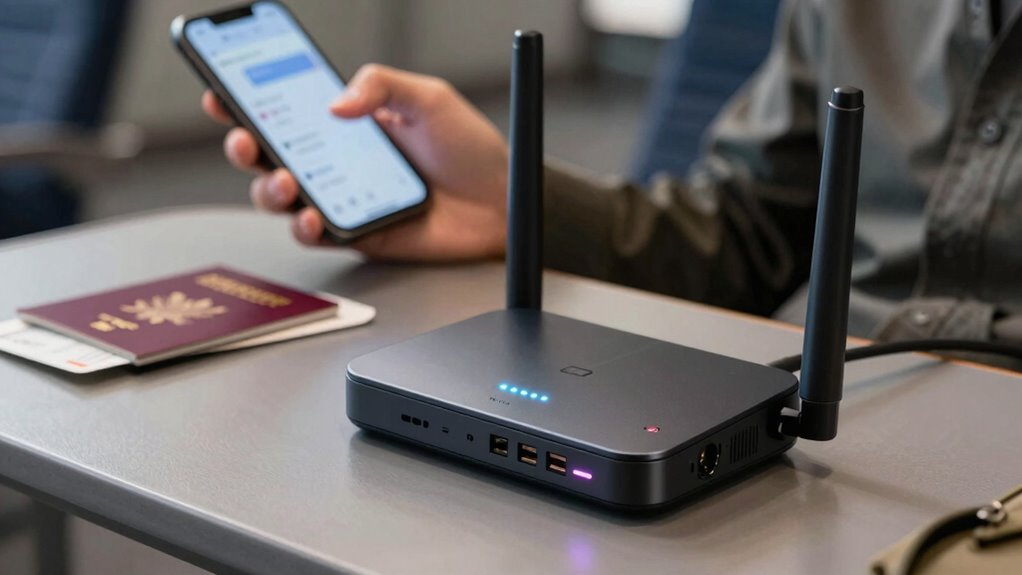
Travel routers can sometimes encounter issues during your trips, disrupting your internet connection or compromising security. Common problems include trouble connecting to hotel Wi-Fi, device compatibility issues, or weak signals. To troubleshoot:
- Restart your router and device to refresh the connection.
- Check hotel Wi-Fi settings and ensure your router is configured correctly.
- Verify device compatibility, especially if some devices aren’t connecting or experiencing slow speeds.
These steps help resolve most connectivity issues and ensure your travel router functions smoothly. If problems persist, consult your router’s manual or contact support. Always carry essential cables and adapters to troubleshoot on the go. Keeping your firmware updated also minimizes glitches. Staying proactive ensures your network stays secure and reliable during your travels.
Top Privacy Tips for Travelers Using Travel Routers
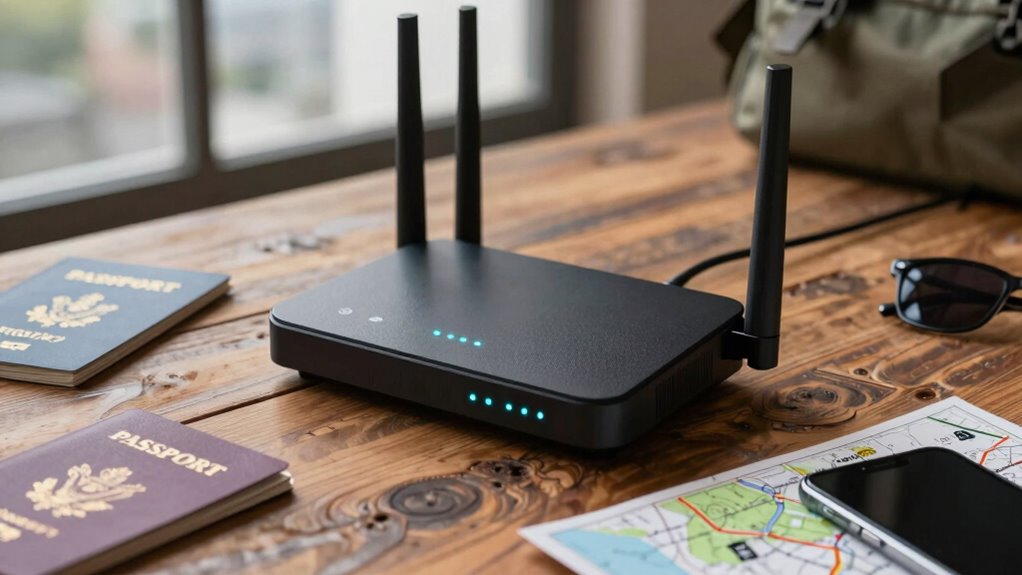
Using a travel router can boost your internet access on the go, but it also introduces potential privacy risks if you’re not careful. To protect your data, prioritize VPN integration with your device. A VPN encrypts your internet traffic, shielding sensitive information from hackers on public networks. Check your travel router’s device compatibility before you travel, ensuring it supports VPN setup or third-party firmware that allows this feature. Always update your router’s firmware to patch security vulnerabilities. Use strong, unique passwords for your router’s admin panel and Wi-Fi network. Avoid connecting to unsecured networks directly; instead, route all traffic through your VPN. These privacy tips help safeguard your online activity and personal information, making your travels safer and more secure.
Are Travel Routers Worth It for Frequent Travelers?

If you’re frequently on the move, investing in a travel router can considerably improve your connectivity and online experience. Travel routers aren’t just about better Wi-Fi; they enhance diy security by creating encrypted networks, reducing risks when connecting to public hotspots. For frequent travelers, the benefits outweigh the cost, especially when paired with essential travel accessories like portable chargers and compact cases. A travel router allows you to connect multiple devices securely, streamlining your online activities. It also helps you avoid relying on unreliable public networks. Consider these advantages:
- Enhanced diy security with private, encrypted networks
- Improved connectivity for multiple devices
- Compact, portable design for on-the-go convenience
If you value reliable, secure internet access, a travel router is definitely worth it.
Frequently Asked Questions
Can Travel Routers Block Malware and Malicious Websites?
Yes, travel routers can help block malware and malicious websites through built-in security features like firewall settings and content filtering. They enhance your network security by preventing harmful sites from loading. Just make sure the device is compatible with your existing setup. By using a travel router with these protections, you improve your safety on the go without compromising device compatibility or network performance.
Do Travel Routers Support VPN Connections for Enhanced Privacy?
Yes, many travel routers support VPN connections, enhancing your privacy features on the go. You can easily set up VPN compatibility to encrypt your internet traffic, protecting your data from prying eyes on public networks. This means you get a secure, private browsing experience wherever you travel. Make sure to choose a travel router that explicitly offers VPN support, so you can enjoy peace of mind and better online security during your trips.
How Do Travel Routers Handle Multiple Device Connections Securely?
Think of a travel router as a skilled conductor, expertly managing multiple devices with seamless connection stability. You can securely connect your smartphone, tablet, and laptop, knowing each device stays in harmony without interference. It handles device management smoothly, ensuring your data remains protected. By creating a secure network, it keeps your connections stable and private, so you can focus on your journey without worrying about security breaches or dropped signals.
Are There Any Legal Restrictions on Using Travel Routers Internationally?
You can generally use travel routers internationally, but you need to check legal compliance and international regulations first. Some countries have restrictions on transmitting certain signals or using specific frequencies, so it’s your responsibility to verify local laws. Before traveling, research the regulations of your destination to avoid legal issues. Staying informed guarantees you enjoy the privacy benefits of your travel router without unintentionally breaking any rules.
What Is the Battery Life Impact When Using a Travel Router on the Go?
A stitch in time saves nine, and managing your travel router’s battery life is no different. Using your travel router on the go does impact battery consumption, but good power management can extend its life. Keep the device in low-power mode, turn off unused features, and carry a portable charger. This way, you stay connected longer without draining your battery quickly, making your travels smoother and more reliable.
Conclusion
Using a travel router can boost your privacy by encrypting your connection and shielding your data on public Wi-Fi. Did you know that 70% of travelers experience security breaches on unsecured networks? Investing in a good travel router isn’t just convenient; it’s essential for safeguarding your personal information. With simple setup and reliable security features, you can travel confidently knowing your online privacy is protected wherever you go.